Design, test, and ship complex AI workflows from a visual canvas, right where you write code.
Drop pipelines into any Python or TypeScript app with a few lines of code, no infrastructure glue required.
Where to start
Open source, MIT. The whole engine is MIT-licensed and OSI-compliant. No enterprise edition, nothing behind a paywall.
Features
| Feature | Description |
|---|---|
| Visual Pipeline Builder | Drag, connect, and configure nodes in VS Code, no boilerplate. Real-time observability tracks token usage, LLM calls, latency, and execution. Pipelines are portable JSON, version-controllable, shareable, and runnable anywhere. |
| High-Performance C++ Runtime | Native multithreading purpose-built for the throughput demands of AI and data workloads. No bottlenecks, no compromises for production scale. |
| 100+ Pipeline Nodes | 15+ LLM providers, 9 vector databases, OCR, NER, PII anonymization, chunking strategies, embedding models, and more. All nodes are Python-extensible, build and publish your own. |
| Multi-Agent Workflows | Built-in CrewAI and LangChain support. Chain agents, share memory across pipeline runs, and manage multi-step reasoning at scale. |
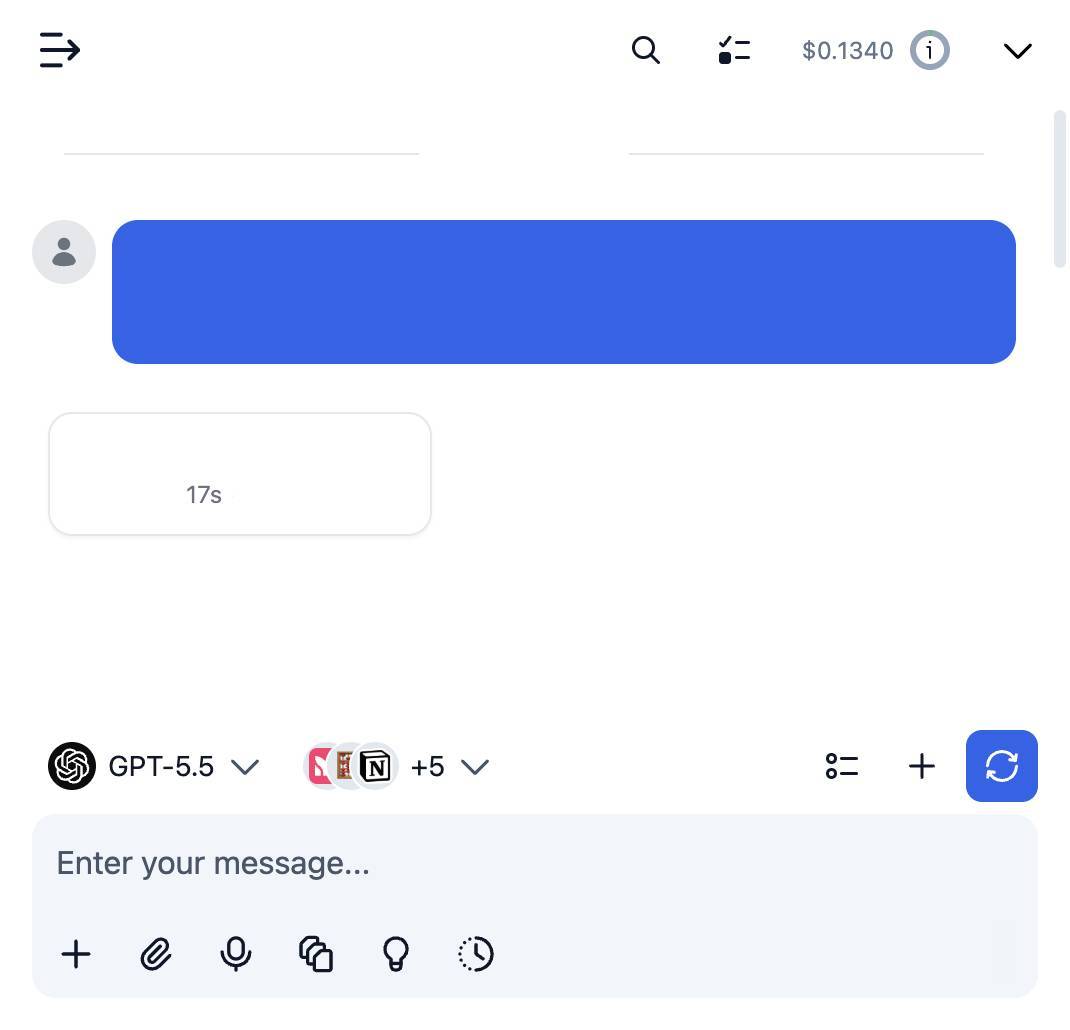
| Coding Agent Ready | RocketRide auto-detects your coding agent: Claude, Cursor, and more. Build, modify, and deploy pipelines through natural language. |
| TypeScript, Python & MCP SDKs | Integrate pipelines into native apps, expose them as callable tools for AI assistants, or build programmatic workflows into your existing codebase. |
| Zero Dependency Headaches | Python environments, C++ toolchains, Java/Tika, and all node dependencies managed automatically. Clone, build, run, no manual setup. |
| One-Click Deploy | Run on Docker, on-prem, or RocketRide Cloud. Production-ready architecture from day one, not retrofitted from a demo. |
Quick Start
-
Install the extension for your IDE. Search for RocketRide in the extension marketplace:
-
Click the RocketRide extension in your IDE
-
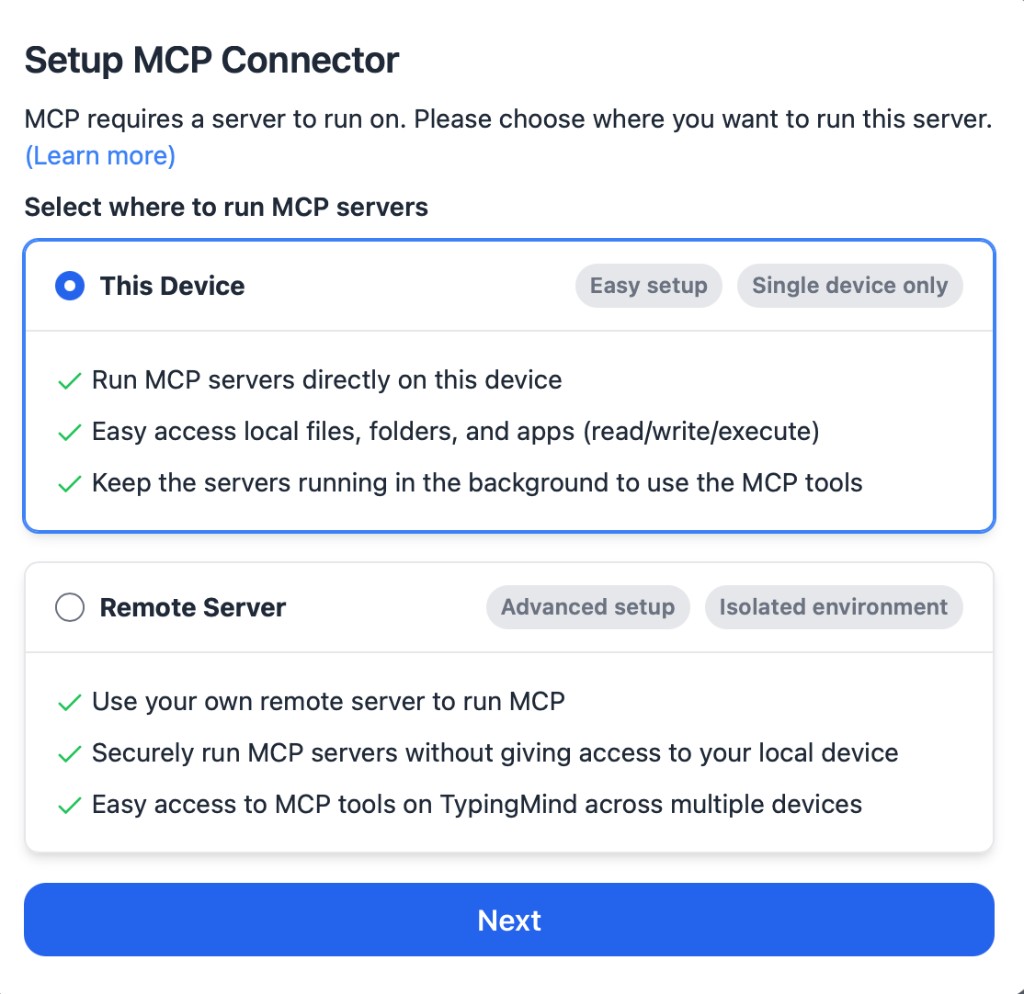
Deploy a server - you'll be prompted on how you want to run the server. Choose the option that fits your setup:
- Local (Recommended) - This pulls the server directly into your IDE without any additional setup.
- On-Premises - Run the server on your own hardware for full control and data residency. Pull the image and deploy to Docker or clone this repo and build from source.
Your first AI feature
Whether you build web apps, integrate APIs, or run backend services, you already have the mental model.
| You already know | Same idea in RocketRide |
|---|---|
| A route that receives a request | A source node: webhook, chat, or dropper (file drop) |
| Middleware chained in order | Nodes, wired together on a canvas. Most are Python you can open and read |
| The response you return | A response node |
| Config in git, like a Dockerfile | The .pipe file: plain JSON, diffable, reviewable |
| Calling a service from your app | The Python or TypeScript SDK: one call in, one result out |
Three steps, no API keys:
-
Run it locally. Follow the Quick Start and pick Local when asked. That's the whole install.
-
Open a working pipeline. Open
examples/document-processor.pipein your IDE. Give it a PDF or an image and it pulls out the text (including text inside images), finds names, addresses and other personal data, and returns a cleaned copy. It runs on local models, so nothing leaves your machine. Press ▶ on the source node to start it. Its source is awebhook, so it waits for input — step 3 is how you send some. -
Call it from your code. The pipeline is now a function your service can call. Run it from the folder you opened in your IDE: the extension writes the engine's connection details into a
.envthere, and the SDK reads them automatically. Run it from anywhere else and the client falls back to RocketRide Cloud instead.bashpip install rocketridepythonimport asyncio from rocketride import RocketRideClient async def main(): async with RocketRideClient() as client: run = await client.use(filepath='examples/document-processor.pipe') out = await client.send( run['token'], 'Alice Smith, 12 Elm St, Springfield.', objinfo={'name': 'note.txt'}, mimetype='text/plain' ) print(out) await client.terminate(run['token']) asyncio.run(main())TypeScript works the same way:
npm install rocketride· SDK docs
Next steps, one at a time:
- Add a model. Drop an
llm_*node between the source and the response and add one API key. Same pipeline, now with an LLM in the loop. - Search by meaning.
examples/rag-pipeline.pipeis the standard "ask questions about my documents" pattern. Needs one LLM key and a vector database (Qdrant can run locally). - Give it tools. An agent node is an LLM allowed to call other nodes in a loop until it's done.
examples/agent-workflow.pipeshows the shape.
| Term | What it means here |
|---|---|
| Pipeline | A request handler built from steps, saved as a .pipe JSON file |
| Node | One step. Providers (OpenAI, Anthropic…), tools (GitHub, Slack…), stores, parsers |
| Embedding | Turning text into a list of numbers so "similar meaning" becomes "nearby numbers" |
| Vector database | A store that finds records by meaning instead of exact match |
| RAG | Retrieve the relevant documents first, then ask the model with them in context |
| Agent | An LLM that can call tools and nodes repeatedly until the task is done |
| OCR / NER / PII | Read text out of images / find names, dates, organisations / detect personal data |
| Chunking | Splitting long documents into pieces small enough to embed and retrieve |
Building Your First Pipe
-
All pipelines are recognized with the
*.pipeformat. Each pipeline and its configuration are JSON objects - but the extension in your IDE will render within our visual builder canvas. -
All pipelines begin with a source node: webhook, chat, or dropper. For specific usage, examples, and inspiration on how to build pipelines, check out our guides and documentation.
-
Connect input lanes and output lanes by type to properly wire your pipeline. Some nodes like agents or LLMs can be invoked as tools for use by a parent node as shown below:
-
You can run a pipeline from the canvas by pressing the ▶ button on the source node or from the
Connection Managerdirectly. -
Deploy your pipelines - pick the path that fits:
-
Docker - Download the RocketRide server image and create a container. Requires Docker to be installed.
bashdocker pull ghcr.io/rocketride-org/rocketride-engine:latest docker create --name rocketride-engine -p 5565:5565 ghcr.io/rocketride-org/rocketride-engine:latest -
Local Deployment - Download your preferred runtime as a standalone process from the Deploy page in the
Connection Manager. -
RocketRide Cloud - Skip the setup and ship straight to managed hosting. Same portable pipeline JSON, zero infrastructure to run, from prototype to production. Get started
-
-
Run your pipelines as standalone processes or integrate them into your existing Python and TypeScript/JS applications utilizing our SDK.
Observability
Selecting running pipelines allows for in-depth analytics. Trace call trees, token usage, memory consumption, and more to optimize your pipelines before scaling and deploying. Find the models, agents, and tools best fit for your task.
Documentation
Everything on docs.rocketride.org is built from the docs/ tree in this repo, split by audience. docs/README.md is the full map; the short version:
| Looking for | Start at |
|---|---|
| Using RocketRide: quickstart, concepts, guides, cloud, self-hosting | docs/public/product/ (the site, page for page) |
| SDK guides | TypeScript · Python · MCP |
| Building your own client on the engine protocol | docs/public/product/connect/websocket/ |
| Contributing: setup, builder, engine internals, node authoring | docs/development/ |
| Node catalog | each node's README.md under nodes/src/nodes/ |
| Apps: VS Code extension and the shell UIs | each app's own folder under apps/; how they fit the monorepo in docs/development/apps/ |
| Pointing an AI assistant at RocketRide | docs/agents/ |
Repo-wide contributor rules live in AGENTS.md.
Contributing
Good places to start
- Claim an issue with one comment. Comment
/assignon any open issue and it's yours. No permissions or membership needed. - Good first issues are labelled
good first issue;help wantedmarks bigger ones we'd like a hand with. - Add a node. Every node is a small Python package under
nodes/src/nodes/. A new provider, tool, or store makes a good first contribution. Guide: Adding a New Node. - Fix what you just read. Docs PRs are welcome, including this README.
How it works
- Fork, branch as
<type>/RR-<issue>-<short-description>, open a PR againstdevelop, link the issue. Full process, style guides, and test commands: CONTRIBUTING.md. - One build tool for the whole monorepo:
./buildermanages the C++ toolchain, Python environments, and Java/Tika for you. Clone, build, run. - Roles and decisions: GOVERNANCE.md · Releases: RELEASE.md · Security reports: SECURITY.md · Questions: Discussions, Discord, SUPPORT.md
Two ways to run RocketRide
Let us handle the infrastructure, or own every layer.
RocketRide Cloud NOW LIVE
Run pipelines, not infrastructure.
Connecting takes two lines. Same portable pipeline JSON, now hosted for you:
bashROCKETRIDE_URI=https://api.rocketride.ai ROCKETRIDE_AUTH=your-api-token
On-Prem FREE & MIT
Own every layer.
Point a client at your local engine in one line:
bashROCKETRIDE_URI=ws://localhost:5565
Contributors
RocketRide is built by a growing community of contributors. Whether you've fixed a bug, added a node, improved docs, or helped someone on Discord, thank you. New contributions are always welcome - check out our contributing guide to get started.