Scrapling is an adaptive Web Scraping framework that handles everything from a single request to a full-scale crawl.
Its parser learns from website changes and automatically relocates your elements when pages update. Its fetchers bypass anti-bot systems like Cloudflare Turnstile out of the box. And its spider framework lets you scale up to concurrent, multi-session crawls with pause/resume, automatic proxy rotation, and a crawl speed that adapts to how fast each website responds and backs off when it starts blocking you - all in a few lines of Python. One library, zero compromises.
Blazing fast crawls with real-time stats and streaming. Built by Web Scrapers for Web Scrapers and regular users, there's something for everyone.
pythonfrom scrapling.fetchers import Fetcher, AsyncFetcher, StealthyFetcher, DynamicFetcher StealthyFetcher.adaptive = True p = StealthyFetcher.fetch('https://example.com', headless=True, network_idle=True) # Fetch website under the radar! products = p.css('.product', auto_save=True) # Scrape data that survives website design changes! products = p.css('.product', adaptive=True) # Later, if the website structure changes, pass `adaptive=True` to find them!
Or scale up to full crawls
pythonfrom scrapling.spiders import Spider, Response class MySpider(Spider): name = "demo" start_urls = ["https://example.com/"] async def parse(self, response: Response): for item in response.css('.product'): yield {"title": item.css('h2::text').get()} MySpider().start()
Platinum Sponsors
Do you want to show your ad here? Click here
Sponsors
Do you want to show your ad here? Click here and choose the tier that suits you!
Key Features
Spiders - A Full Crawling Framework
- 🕷️ Scrapy-like Spider API: Define spiders with
start_urls, asyncparsecallbacks, andRequest/Responseobjects. - ⚡ Concurrent Crawling: Configurable concurrency limits, per-domain throttling, and download delays.
- 🔄 Multi-Session Support: Unified interface for HTTP requests, and stealthy headless browsers in a single spider - route requests to different sessions by ID.
- 💾 Pause & Resume: Checkpoint-based crawl persistence. Press Ctrl+C for a graceful shutdown; restart to resume from where you left off.
- 📡 Streaming Mode: Stream scraped items as they arrive via
async for item in spider.stream()with real-time stats - ideal for UI, pipelines, and long-running crawls. - 🛡️ Blocked Request Detection: Automatic detection and retry of blocked requests with customizable logic.
- 🚦 AutoThrottle: Stop guessing delays. The spider tunes the delay of each domain on its own from how fast the website responds, then doubles it (or waits what
Retry-Afterasks) whenever the website starts blocking or rate-limiting you, and speeds back up once it stops. - 🤖 Robots.txt Compliance: Optional
robots_txt_obeyflag that respectsDisallow,Crawl-delay, andRequest-ratedirectives with per-domain caching. - 🧪 Development Mode: Cache responses to disk on the first run and replay them on subsequent runs - iterate on your
parse()logic without re-hitting the target servers. - 🧩 Ready-made Spider Templates: Skip the boilerplate with
CrawlSpiderfor rule-based link following,SitemapSpiderfor sitemap/robots.txt-driven crawls,XMLFeedSpider/CSVFeedSpiderfor iterating XML/RSS and CSV feeds, andShopifySpiderto pull every product out of any Shopify store through its JSON API, one item per variant. - 🔗 Link Extraction: A standalone
LinkExtractorprimitive with allow/deny patterns, domain filters, CSS/XPath scoping, extension filtering, and canonicalization - use it inside the templates or on its own. - 📦 Built-in Export: Export results through hooks and your own pipeline or the built-in JSON/JSONL/CSV/XML exporters with
result.items.to_json(),to_jsonl(),to_csv(), andto_xml().
Advanced Websites Fetching with Session Support
- HTTP Requests: Fast and stealthy HTTP requests with the
Fetcherclass. Can impersonate browsers' TLS fingerprint, headers, and use HTTP/3. - Dynamic Loading: Fetch dynamic websites with full browser automation through the
DynamicFetcherclass supporting Playwright's Chromium and Google's Chrome. - Anti-bot Bypass: Advanced stealth capabilities with
StealthyFetcherand fingerprint spoofing. Can easily bypass all types of Cloudflare's Turnstile/Interstitial with automation. - Session Management: Persistent session support with
FetcherSession,StealthySession, andDynamicSessionclasses for cookie and state management across requests. - Proxy Rotation: Built-in
ProxyRotatorwith cyclic or custom rotation strategies across all session types, plus per-request proxy overrides. - Domain & Ad Blocking: Block requests to specific domains (and their subdomains) or enable built-in ad blocking (~3,500 known ad/tracker domains) in browser-based fetchers.
- DNS Leak Prevention: Optional DNS-over-HTTPS support to route DNS queries through Cloudflare's DoH, preventing DNS leaks when using proxies.
- Remote Browsers: Instead of launching a browser locally, connect to one that's already running through CDP with
cdp_url, whether it's on the same machine, another host, or a managed browser provider. You can also point any browser fetcher at your own Chromium build withexecutable_path. - Background API Capture: Pass a URL pattern to
capture_xhr, and all matching XHR/fetch responses the page makes while loading are collected for you asResponseobjects inresponse.captured_xhr- grab a site's API data without reverse-engineering the requests yourself. - Async Support: Complete async support across all fetchers and dedicated async session classes.
Adaptive Scraping
- 🔄 Smart Element Tracking: Relocate elements after website changes using intelligent similarity algorithms.
- 🎯 Smart Flexible Selection: CSS selectors, XPath selectors, filter-based search, text search, regex search, and more.
- 🔍 Find Similar Elements: Automatically locate elements similar to found elements.
AI Features
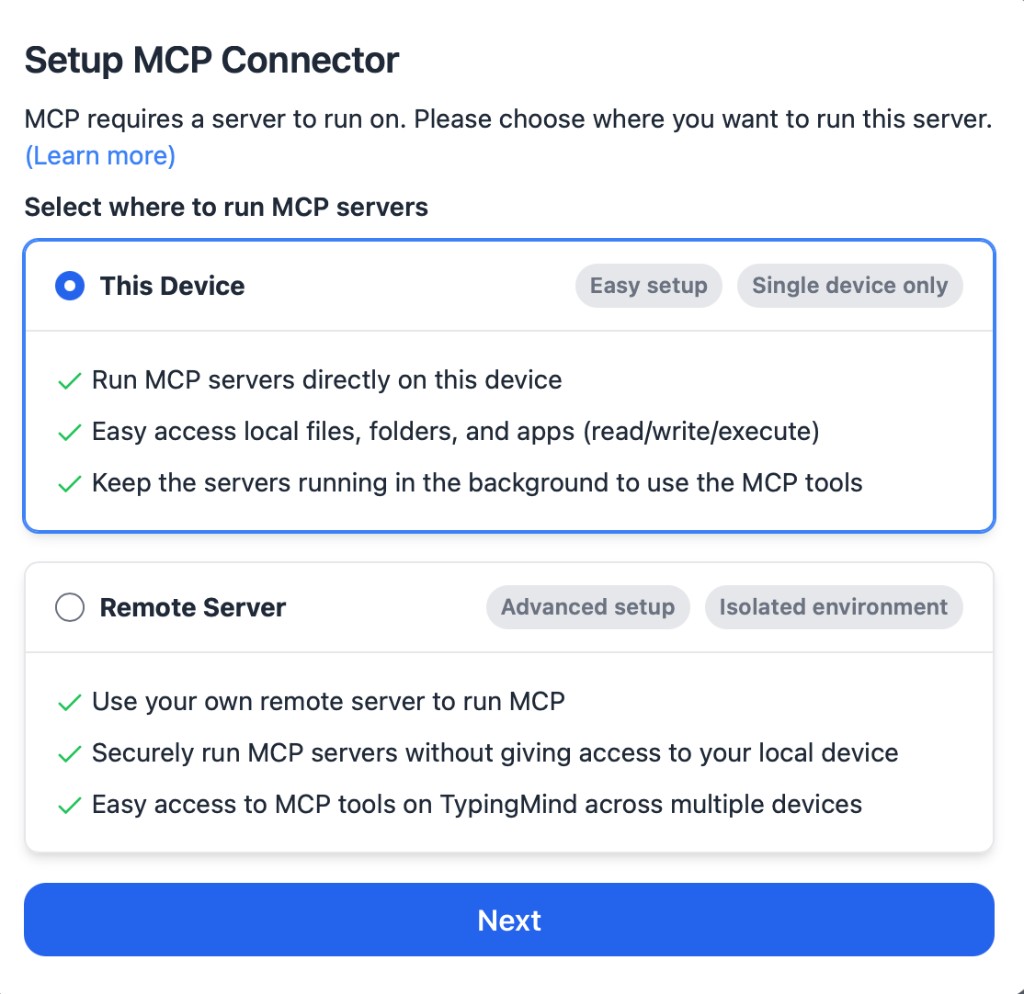
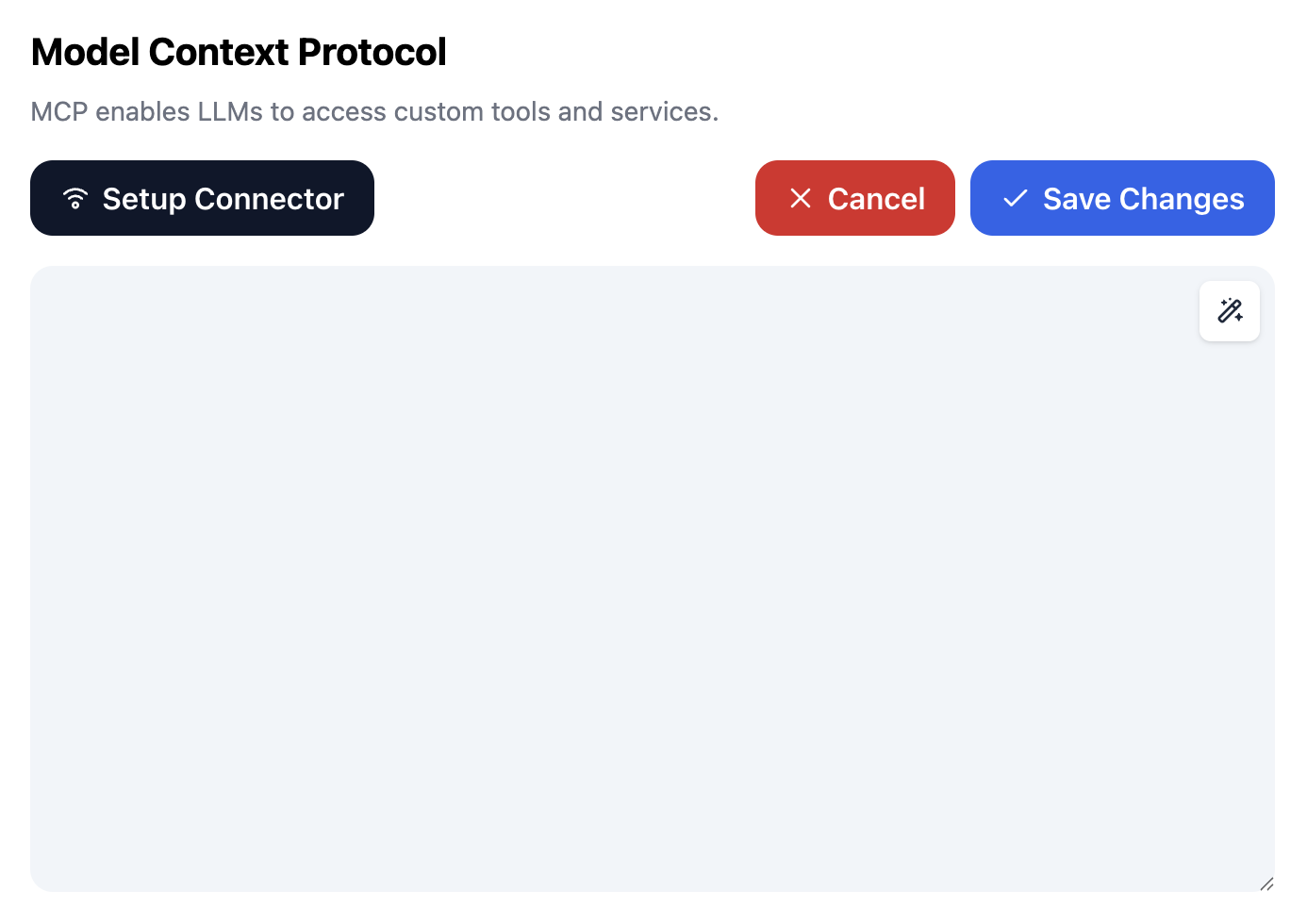
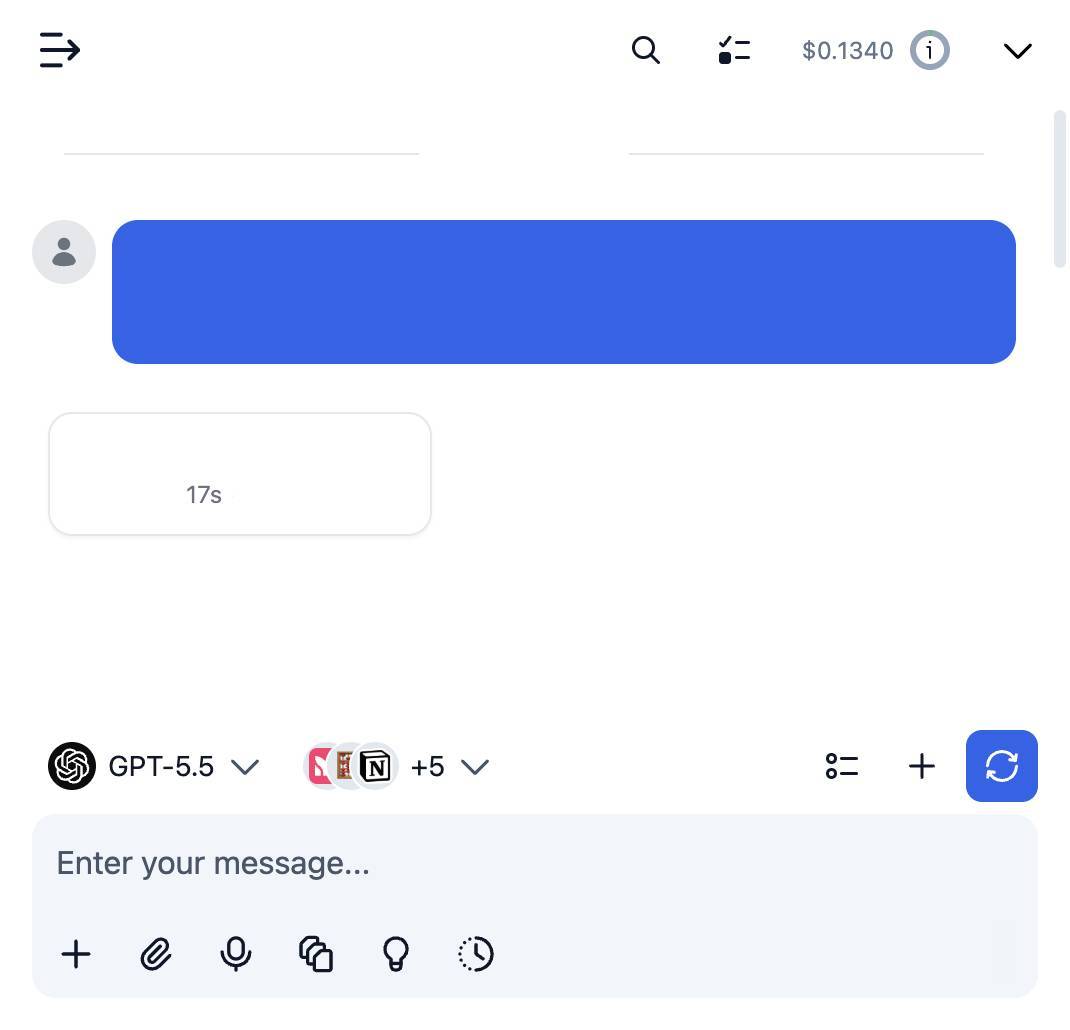
- 🤖 MCP Server: Let AI chatbots and agents (Claude/Cursor/etc) scrape through Scrapling with one-shot or session-based tools covering plain HTTP requests (any method), browser fetches, and stealth fetches that bypass Cloudflare. Pages are narrowed with CSS selectors and stripped of prompt-injection content before the AI sees them, so the agent reads less, costs less, and can't be hijacked by hidden text. Screenshots, remote browsers over CDP, and a secure-by-default HTTP transport are included. (demo video)
- 🧠 Agent Skill: A ready-to-install Agent Skill that teaches coding agents the whole library, so the code they write with Scrapling matches the current API instead of guessing.
- 📚 RAG-ready Markdown: Turn any page into clean, sanitized, LLM-ready Markdown with one line (
page.markdown()), or crawl a whole website into a Markdown corpus with theSiteToMarkdownSpidertemplate, all without an LLM in the loop. (docs)
High-Performance & battle-tested Architecture
- 🚀 Lightning Fast: Optimized performance outperforming most Python scraping libraries.
- 🔋 Memory Efficient: Optimized data structures and lazy loading for a minimal memory footprint.
- ⚡ Fast JSON Serialization: 10x faster than the standard library.
- 🏗️ Battle tested: Not only does Scrapling have 92% test coverage and full type hints coverage, but it has been used daily by hundreds of Web Scrapers over the past year.
Developer/Web Scraper Friendly Experience
- 🎯 Interactive Web Scraping Shell: Optional built-in IPython shell with Scrapling integration, shortcuts, and new tools to speed up Web Scraping scripts development, like converting curl requests to Scrapling requests and viewing requests results in your browser.
- 🚀 Use it directly from the Terminal: Optionally, you can use Scrapling to scrape a URL without writing a single line of code!
- 🛠️ Rich Navigation API: Advanced DOM traversal with parent, sibling, and child navigation methods.
- 🧬 Enhanced Text Processing: Built-in regex, cleaning methods, and optimized string operations.
- 📝 Auto Selector Generation: Generate robust CSS/XPath selectors for any element.
- 🔌 Familiar API: Similar to Scrapy/BeautifulSoup with the same pseudo-elements used in Scrapy/Parsel.
- 🤝 Drop-in Scrapy Integration: Already invested in Scrapy? Decorate any callback with
scrapling_responseto parse the responses you already fetch with Scrapling's parser, no rewrite needed. - 📘 Complete Type Coverage: Full type hints for excellent IDE support and code completion. The entire codebase is automatically scanned with PyRight and MyPy with each change.
- 🔋 Ready Docker image: With each release, a Docker image containing all browsers is automatically built and pushed.
Getting Started
Let's give you a quick glimpse of what Scrapling can do without deep diving.
Basic Usage
HTTP requests with session support
pythonfrom scrapling.fetchers import Fetcher, FetcherSession with FetcherSession(impersonate='chrome') as session: # Use latest version of Chrome's TLS fingerprint page = session.get('https://quotes.toscrape.com/', stealthy_headers=True) quotes = page.css('.quote .text::text').getall() # Or use one-off requests page = Fetcher.get('https://quotes.toscrape.com/') quotes = page.css('.quote .text::text').getall()
Advanced stealth mode
pythonfrom scrapling.fetchers import StealthyFetcher, StealthySession with StealthySession(headless=True, solve_cloudflare=True) as session: # Keep the browser open until you finish page = session.fetch('https://nopecha.com/demo/cloudflare', google_search=False) data = page.css('#padded_content a').getall() # Or use one-off request style, it opens the browser for this request, then closes it after finishing page = StealthyFetcher.fetch('https://nopecha.com/demo/cloudflare') data = page.css('#padded_content a').getall()
Full browser automation
pythonfrom scrapling.fetchers import DynamicFetcher, DynamicSession with DynamicSession(headless=True, disable_resources=False, network_idle=True) as session: # Keep the browser open until you finish page = session.fetch('https://quotes.toscrape.com/', load_dom=False) data = page.xpath('//span[@class="text"]/text()').getall() # XPath selector if you prefer it # Or use one-off request style, it opens the browser for this request, then closes it after finishing page = DynamicFetcher.fetch('https://quotes.toscrape.com/') data = page.css('.quote .text::text').getall()
Spiders
Build full crawlers with concurrent requests, multiple session types, and pause/resume:
pythonfrom scrapling.spiders import Spider, Request, Response class QuotesSpider(Spider): name = "quotes" start_urls = ["https://quotes.toscrape.com/"] concurrent_requests = 10 async def parse(self, response: Response): for quote in response.css('.quote'): yield { "text": quote.css('.text::text').get(), "author": quote.css('.author::text').get(), } next_page = response.css('.next a') if next_page: yield response.follow(next_page[0].attrib['href']) result = QuotesSpider().start() print(f"Scraped {len(result.items)} quotes") result.items.to_json("quotes.json")
Use multiple session types in a single spider:
pythonfrom scrapling.spiders import Spider, Request, Response from scrapling.fetchers import FetcherSession, AsyncStealthySession class MultiSessionSpider(Spider): name = "multi" start_urls = ["https://example.com/"] def configure_sessions(self, manager): manager.add("fast", FetcherSession(impersonate="chrome")) manager.add("stealth", AsyncStealthySession(headless=True), lazy=True) async def parse(self, response: Response): for link in response.css('a::attr(href)').getall(): # Route protected pages through the stealth session if "protected" in link: yield Request(link, sid="stealth") else: yield Request(link, sid="fast", callback=self.parse) # explicit callback
Pause and resume long crawls with checkpoints by running the spider like this:
pythonQuotesSpider(crawldir="./crawl_data").start()
Press Ctrl+C to pause gracefully - progress is saved automatically. Later, when you start the spider again, pass the same crawldir, and it will resume from where it stopped.
Or skip writing the crawling logic altogether with the ready-made templates, like pulling an entire Shopify store's catalog:
pythonfrom scrapling.spiders import ShopifySpider class MyStore(ShopifySpider): target_website = "example.com" result = MyStore().start() # Every product in the store, one item per variant
Advanced Parsing & Navigation
pythonfrom scrapling.fetchers import Fetcher # Rich element selection and navigation page = Fetcher.get('https://quotes.toscrape.com/') # Get quotes with multiple selection methods quotes = page.css('.quote') # CSS selector quotes = page.xpath('//div[@class="quote"]') # XPath quotes = page.find_all('div', {'class': 'quote'}) # BeautifulSoup-style # Same as quotes = page.find_all('div', class_='quote') quotes = page.find_all(['div'], class_='quote') quotes = page.find_all(class_='quote') # and so on... # Find element by text content quotes = page.find_by_text('quote', tag='div') # Advanced navigation quote_text = page.css('.quote')[0].css('.text::text').get() quote_text = page.css('.quote').css('.text::text').getall() # Chained selectors first_quote = page.css('.quote')[0] author = first_quote.next_sibling.css('.author::text') parent_container = first_quote.parent # Element relationships and similarity similar_elements = first_quote.find_similar() below_elements = first_quote.below_elements()
You can use the parser right away if you don't want to fetch websites like below:
pythonfrom scrapling.parser import Selector page = Selector("<html>...</html>")
And it works precisely the same way!
Async Session Management Examples
pythonimport asyncio from scrapling.fetchers import FetcherSession, AsyncStealthySession, AsyncDynamicSession async with FetcherSession(http3=True) as session: # `FetcherSession` is context-aware and can work in both sync/async patterns page1 = session.get('https://quotes.toscrape.com/') page2 = session.get('https://quotes.toscrape.com/', impersonate='firefox135') # Async session usage async with AsyncStealthySession(max_pages=2) as session: tasks = [] urls = ['https://example.com/page1', 'https://example.com/page2'] for url in urls: task = session.fetch(url) tasks.append(task) print(session.get_pool_stats()) # Optional - The status of the browser tabs pool (busy/free/error) results = await asyncio.gather(*tasks) print(session.get_pool_stats())
CLI & Interactive Shell
Scrapling includes a powerful command-line interface:

Launch the interactive Web Scraping shell
bashscrapling shell
Extract pages to a file directly without programming (Extracts the content inside the body tag by default). If the output file ends with .txt, then the text content of the target will be extracted. If it ends in .md, it will be a Markdown representation of the HTML content; if it ends in .html, it will be the HTML content itself.
bashscrapling extract get 'https://example.com' content.md scrapling extract get 'https://example.com' content.txt --css-selector '#fromSkipToProducts' --impersonate 'chrome' # All elements matching the CSS selector '#fromSkipToProducts' scrapling extract fetch 'https://example.com' content.md --css-selector '#fromSkipToProducts' --no-headless scrapling extract stealthy-fetch 'https://nopecha.com/demo/cloudflare' captchas.html --css-selector '#padded_content a' --solve-cloudflare
[!NOTE] There are many additional features, but we want to keep this page concise, including the MCP server and the interactive Web Scraping Shell. Check out the full documentation here
Performance Benchmarks
Scrapling isn't just powerful-it's also blazing fast. The following benchmarks compare Scrapling's parser with the latest versions of other popular libraries.
Text Extraction Speed Test (5000 nested elements)
| # | Library | Time (ms) | vs Scrapling |
|---|---|---|---|
| 1 | Scrapling | 1.99 | 1.0x |
| 2 | Parsel/Scrapy | 2.06 | 1.035 |
| 3 | Raw Lxml | 2.56 | 1.286 |
| 4 | PyQuery | 23.98 | ~12x |
| 5 | Selectolax | 197.02 | ~99x |
| 6 | MechanicalSoup | 1545.15 | ~776.5x |
| 7 | BS4 with Lxml | 1562.1 | ~785.0x |
| 8 | BS4 with html5lib | 3412.73 | ~1714.9x |
Element Similarity & Text Search Performance
Scrapling's adaptive element finding capabilities significantly outperform alternatives:
| Library | Time (ms) | vs Scrapling |
|---|---|---|
| Scrapling | 2.3 | 1.0x |
| AutoScraper | 12.58 | 5.47x |
All benchmarks represent averages of 100+ runs. See benchmarks.py for methodology.
Installation
Scrapling requires Python 3.10 or higher:
bashpip install scrapling
[!IMPORTANT] This installation only includes the parser engine and its dependencies, without any fetchers or commandline dependencies. So importing anything from
scrapling.fetchersorscrapling.spiders, like in the examples above, will raiseModuleNotFoundErrorwith this installation alone. If you are going to use any of the fetchers or spiders, install the fetchers' dependencies first as shown below.
Optional Dependencies
-
If you are going to use any of the extra features below, the fetchers, or their classes, you will need to install fetchers' dependencies and their browser dependencies as follows:
bashpip install "scrapling[fetchers]" scrapling install # normal install scrapling install --force # force reinstallThis downloads all browsers, along with their system dependencies and fingerprint manipulation dependencies.
Or you can install them from the code instead of running a command like this:
pythonfrom scrapling.cli import install install([], standalone_mode=False) # normal install install(["--force"], standalone_mode=False) # force reinstall -
Extra features:
- Install the MCP server feature:
bash
pip install "scrapling[ai]" - Install dependencies for (building RAG systems):
bash
pip install "scrapling[rag]" - Install shell features (Web Scraping shell and the
extractcommand):bashpip install "scrapling[shell]" - Install everything:
bash
pip install "scrapling[all]"
Remember that you need to install the browser dependencies with
scrapling installafter any of these extras (if you didn't already) - Install the MCP server feature:
Docker
You can also install a Docker image with all extras and browsers with the following command from DockerHub:
bashdocker pull pyd4vinci/scrapling
Or download it from the GitHub registry:
bashdocker pull ghcr.io/d4vinci/scrapling:latest
This image is automatically built and pushed using GitHub Actions and the repository's main branch.
Contributing
We welcome contributions! Please read our contributing guidelines before getting started.
Disclaimer
[!CAUTION] This library is provided for educational and research purposes only. By using this library, you agree to comply with local and international data scraping and privacy laws. The authors and contributors are not responsible for any misuse of this software. Always respect the terms of service of websites and robots.txt files.
🎓 Citations
If you have used our library for research purposes please quote us with the following reference:
text@misc{scrapling, author = {Karim Shoair}, title = {Scrapling}, year = {2024}, url = {https://github.com/D4Vinci/Scrapling}, note = {An adaptive Web Scraping framework that handles everything from a single request to a full-scale crawl!} }
License
This work is licensed under the BSD-3-Clause License.
Acknowledgments
This project includes code adapted from:
- Parsel (BSD License)-Used for translator submodule