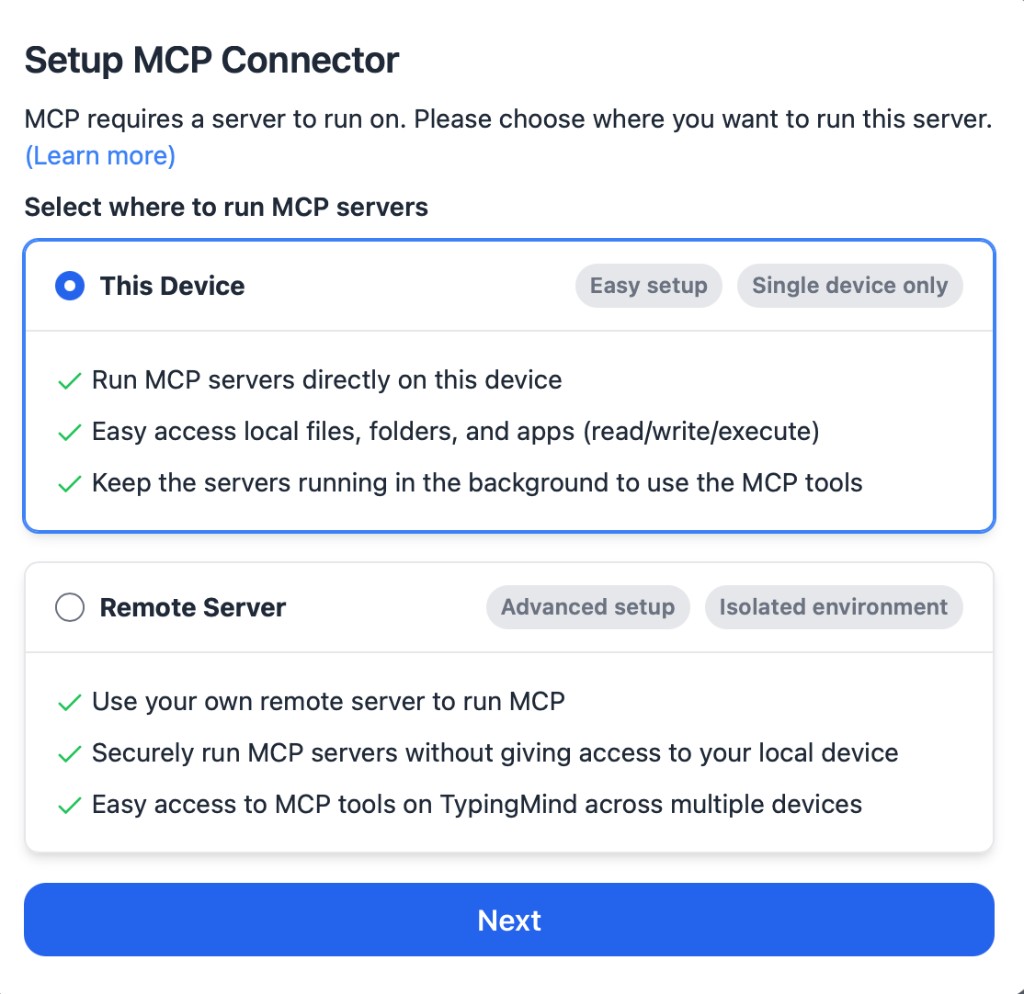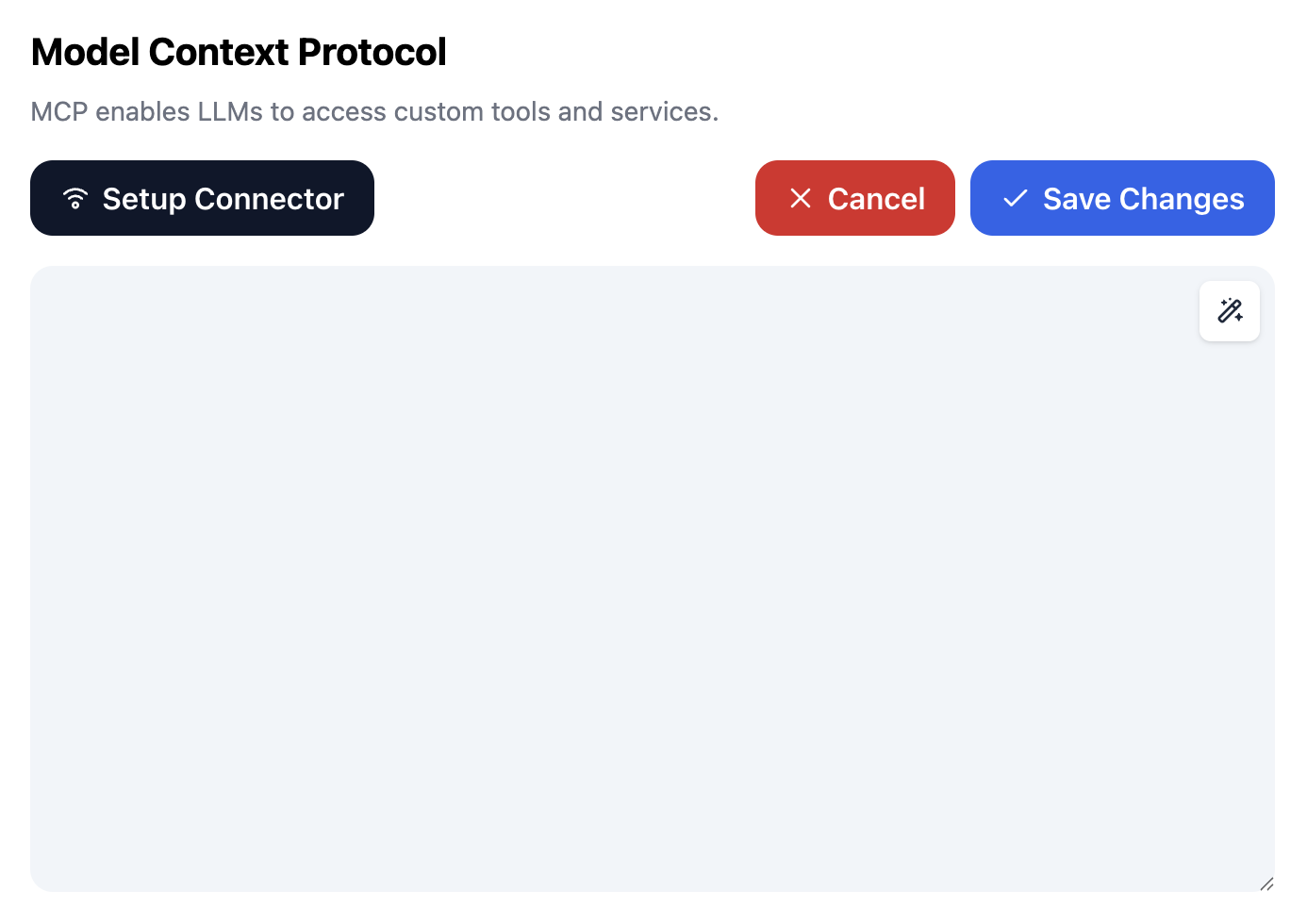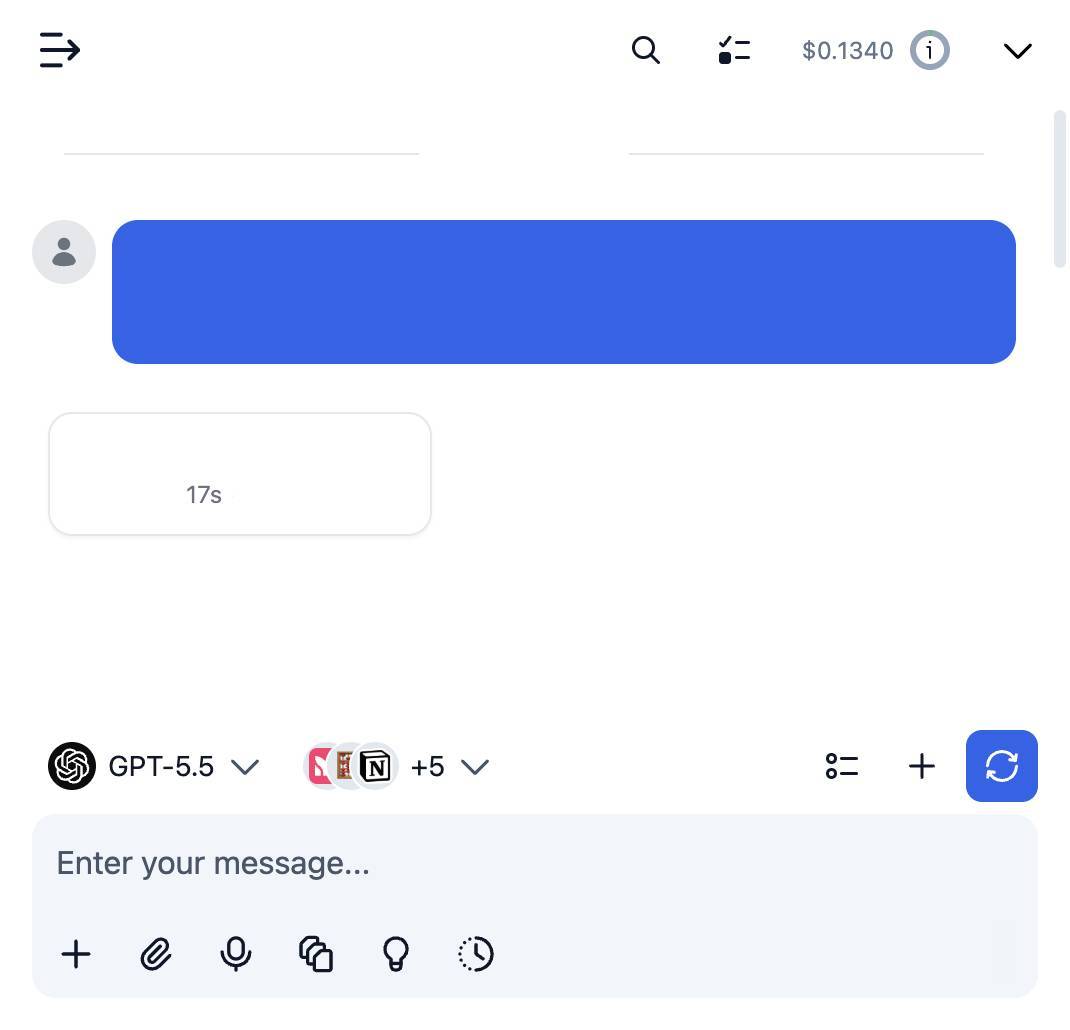

🚀 semrush-ai-tool
AI-Powered Semrush SEO Analysis — MCP Server & CLI for Keyword Research, Backlinks & Competitor Intelligence
Turn any AI assistant into a professional SEO analyst. Connect Claude, Cursor, or any MCP-compatible AI client directly to live Semrush data — keyword research, domain analytics, backlink analysis, traffic insights, and competitor intelligence — with a single install.





⚡ Quick Install · 🤖 Connect Your AI · ⌨️ CLI Usage · 🧰 All 18 Tools · 👩💻 Developers
🎯 What is semrush-ai-tool?
semrush-ai-tool is a free, open-source Semrush SEO analysis tool that gives AI assistants real-time access to the Semrush API through the Model Context Protocol (MCP) — the open standard for connecting AI models to external data.
Instead of exporting CSVs and pasting them into a chat window, you simply ask your AI:
"Analyze the top organic keywords for mysite.com, compare them with competitor.com, score the keyword difficulty, and tell me which backlinks I'm missing."
The AI calls the Semrush API for you, reads the results, and delivers a complete SEO analysis — keyword gaps, backlink opportunities, traffic trends, and competitor strategy — in plain English.
It ships as two tools in one package:
| Entry point | Who it's for | What it does |
|---|---|---|
🤖 MCP Server (semrush-ai-mcp) | Marketers, SEOs, founders | Gives Claude Desktop, Cursor & other AI clients 18 Semrush tools |
⌨️ CLI (semrush-ai) | Developers, power users, AI coding agents | Run Semrush reports straight from the terminal |
✅ No build step — pure JavaScript, installs in seconds ✅ No Homebrew required — works with a standard Node.js setup ✅ Self-hosted & private — your API key never leaves your machine ✅ MIT licensed — free for personal and commercial use
✨ Features
- 🔍 Keyword Research — search volume, CPC, competition, trends, related keywords, question keywords (People Also Ask gold), and batch Keyword Difficulty scoring for up to 100 keywords at once
- 🌐 Domain Analytics — organic & paid keywords, traffic estimates, rank history, and visibility for any domain in any regional database (US, UK, DE, FR, and 100+ more)
- 🕵️ Competitor Analysis — discover organic and paid competitors, reverse-engineer their keyword portfolios, and find the gaps in yours
- 🔗 Backlink Analysis — backlink profile overviews, individual backlinks with anchors, and referring domains sorted by authority for link-building prospecting
- 📈 Traffic Analytics — visits, unique visitors, bounce rate, and session duration via Semrush .Trends
- 📊 SERP Snapshots — see exactly which domains and URLs rank for any keyword
- 💳 API Units Tracking — check your Semrush API units balance before big jobs
- ⚡ Built-in rate limiting — never trip Semrush's API limits
- 🧩 Works everywhere MCP works — Claude Desktop, Cursor, Windsurf, Cline, and any MCP-compatible client
⚡ Installation
Choose your path:
- 🍎 I'm not a developer → follow the step-by-step macOS guide — copy & paste, no experience needed
- 👩💻 I'm a developer → jump to the quick install
🍎 macOS Installation for Non-Developers (Step by Step)
No Homebrew. No programming knowledge. Just open Terminal (press Cmd + Space, type Terminal, hit Enter) and follow these three steps.
Step 1 — Install Apple's command line tools
Copy, paste, and press Enter:
bashxcode-select --install
A dialog pops up → click Install and wait for it to finish. (If it says they're already installed, great — move on.)
Step 2 — Install Node.js with nvm
Node.js is the engine this tool runs on, and nvm is the official, recommended way to install it — no Homebrew needed. Copy and paste this one line:
bashcurl -o- https://raw.githubusercontent.com/nvm-sh/nvm/v0.40.3/install.sh | bash
Then close Terminal completely and open it again (this loads nvm). Now install Node.js:
bashnvm install --lts
✅ Check it worked: type node -v — you should see something like v22.x.x.
💡 This is the same method shown on the official Node.js download page: https://nodejs.org/en/download
Step 3 — Install semrush-ai-tool (one line)
bashmkdir -p 'semrushai' && cd 'semrushai' && npm install github:springvoiceswell/semrush-ai-tool
Done! 🎉 The tool now lives in a folder called semrushai in your home directory. Continue to Get your API key below.
👩💻 Quick Install (Developers)
Requires Node.js 18+.
bash# Local project install mkdir -p 'semrushai' && cd 'semrushai' && npm install github:springvoiceswell/semrush-ai-tool # …or global install for the CLI everywhere npm install -g github:springvoiceswell/semrush-ai-tool # …or clone for hacking git clone https://github.com/springvoiceswell/semrush-ai-tool.git cd semrush-ai-tool && npm install
🔑 Get Your Semrush API Key
- Log in to Semrush and open Account → API to find your API key. (API access requires a Semrush Business subscription or purchased API units.)
- Tell your Mac about it — paste this into Terminal, replacing the placeholder with your real key:
bashecho 'export SEMRUSH_API_KEY="paste_your_key_here"' >> ~/.zshrc && source ~/.zshrc
- Verify everything works:
bashnpx semrush-ai-tool units
If you see your API units balance — you're fully set up. 🎉
🤖 Connect Your AI Assistant (MCP Setup)
This is where the magic happens: your AI gets 18 live Semrush tools.
Claude Desktop
Open (or create) this file:
~/Library/Application Support/Claude/claude_desktop_config.json
Non-developers: in Finder press
Cmd + Shift + G, paste the path above, and open the file with TextEdit. If it doesn't exist, create it.
Paste this in (replace the key with yours):
json{ "mcpServers": { "semrush-ai-tool": { "command": "npx", "args": ["-y", "github:springvoiceswell/semrush-ai-tool"], "env": { "SEMRUSH_API_KEY": "paste_your_key_here" } } } }
Restart Claude Desktop. You should see 🔨 tools available — Claude can now run live Semrush SEO analysis.
Cursor
- Settings → MCP → Add new global MCP server
- Use the same JSON block as above, or:
- Type:
command - Command:
npx -y github:springvoiceswell/semrush-ai-tool - Environment:
SEMRUSH_API_KEY=your_key
- Type:
Other MCP Clients (Windsurf, Cline, etc.)
Any MCP-compatible client can connect over stdio. Point it at:
npx -y github:springvoiceswell/semrush-ai-tool
with the SEMRUSH_API_KEY environment variable set.
💬 What to Ask Your AI
Once connected, just talk naturally:
- "Give me a full SEO overview of example.com — traffic, top keywords, and how rankings changed over the last year."
- "Find 20 low-difficulty question keywords related to 'email marketing' I could rank for."
- "Who are the top organic competitors of mysite.com and what keywords do we share?"
- "Audit the backlink profile of example.com and list the strongest referring domains."
- "Score the keyword difficulty of these 10 keywords and tell me which to target first."
⌨️ CLI Usage
The semrush-ai CLI is built for humans and AI coding agents (Claude Code, etc.) that can run shell commands.
bashsemrush-ai q "seo tools" # 🔮 Smart lookup — auto-detects keyword vs domain semrush-ai domain example.com # 🌐 Domain overview semrush-ai domain example.com --organic -l 30 # Top 30 organic keywords semrush-ai domain example.com --competitors # Organic competitors semrush-ai domain example.com --history # Rank history semrush-ai kw "content marketing" # Keyword overview semrush-ai kw "seo" --related -l 20 # Related keywords semrush-ai kw "marketing" --questions -l 10 # Question keywords semrush-ai kw "seo tools" --serp # Who ranks on the SERP semrush-ai kd "seo" "link building" "ppc" # Keyword Difficulty batch semrush-ai bl example.com # Backlink overview semrush-ai bl example.com --domains -l 20 # Top referring domains semrush-ai traffic example.com # Traffic summary (.Trends) semrush-ai units # API units balance
Global flags: -d, --database <code> (default us) · -l, --limit <n> · -f, --format text|json
bashsemrush-ai domain example.com --organic -d uk -l 50 -f json
🧰 Available MCP Tools
🌐 Domain Analytics
| Tool | Description |
|---|---|
semrush_domain_overview | Domain overview across all databases — traffic, keywords, Semrush rank |
semrush_domain_rank | Organic & paid visibility in one regional database |
semrush_domain_rank_history | Monthly historical rankings, keywords and traffic |
semrush_domain_organic_keywords | Keywords the domain ranks for in Google's top 100 |
semrush_domain_paid_keywords | Keywords the domain bids on in Google Ads |
semrush_domain_competitors | Organic search competitors with competition level |
semrush_domain_paid_competitors | Paid search (Google Ads) competitors |
🔍 Keyword Research
| Tool | Description |
|---|---|
semrush_keyword_overview | Volume, CPC & competition across all databases |
semrush_keyword_overview_single_db | Detailed metrics + trends in one database |
semrush_related_keywords | Related phrases & variations for content ideation |
semrush_keyword_questions | Question keywords for FAQs & featured snippets |
semrush_keyword_difficulty | Difficulty index (0–100), up to 100 keywords per call |
semrush_keyword_serp | Domains & URLs ranking organically for a keyword |
🔗 Backlink Analysis
| Tool | Description |
|---|---|
semrush_backlinks_overview | Backlinks, referring domains, IPs, follow/nofollow |
semrush_backlinks | Individual backlinks with anchors & first/last seen |
semrush_backlinks_refdomains | Referring domains sorted by authority |
📈 Traffic & 💳 Utility
| Tool | Description |
|---|---|
semrush_traffic_summary | Visits, uniques, bounce rate, duration (requires .Trends) |
semrush_api_units_balance | Remaining Semrush API units |
💰 API units: every Semrush API call consumes units from your account. Run
semrush-ai units(or ask your AI) to check your balance before large batch jobs.
👩💻 Developer Guide
This section is for contributors and engineers who want to understand, extend, or embed semrush-ai-tool.
🏗️ Architecture
Deliberately minimal — zero build step, two runtime dependencies, plain ESM JavaScript:
semrush-ai-tool/ ├── src/ │ ├── index.js # MCP server entry (stdio transport, @modelcontextprotocol/sdk) │ ├── cli.js # CLI entry — dependency-free arg parsing, text/JSON output │ ├── api.js # SemrushClient: Analytics + Backlinks + .Trends APIs, │ │ # token-bucket rate limiter, CSV parser, typed errors │ └── tools.js # 18 MCP tool definitions (zod schemas → Semrush reports) ├── tests/ # node:test unit tests (no API key required) ├── .env.example └── package.json
Design decisions:
- No transpilation. The package runs as-shipped on Node 18+, so
npm install github:...works instantly with noprepare/buildsurprises — critical for non-developer installs. - Thin tool layer. Each MCP tool maps 1:1 to a Semrush API report. Adding a tool = one
server.registerTool()call with a zod schema. PRs that add reports are trivial to review. - Errors that explain themselves. Semrush returns logical errors as
ERROR <code>with HTTP 200; the client normalizes these into actionable messages (check key / subscription / units). - stdout is sacred. The MCP server never writes to stdout except protocol frames — all logs go to stderr.
🔧 Local Development
bashgit clone https://github.com/springvoiceswell/semrush-ai-tool.git cd semrush-ai-tool npm install cp .env.example .env # add your SEMRUSH_API_KEY
bashnpm test # Unit tests (no API key needed) npm start # Run the MCP server on stdio npm run cli -- units # Run the CLI node --inspect src/index.js # Debug the server
Test the MCP server end-to-end with the official inspector:
bashnpx @modelcontextprotocol/inspector node src/index.js
⚙️ Configuration
| Variable | Default | Description |
|---|---|---|
SEMRUSH_API_KEY | (required) | Your Semrush API key |
SEMRUSH_RATE_LIMIT_PER_SECOND | 10 | Max API requests per second |
SEMRUSH_TIMEOUT_MS | 30000 | Per-request timeout |
➕ Adding a New Tool
- Find the report type in the Semrush API docs.
- Add a
server.registerTool()block insrc/tools.jswith a zod input schema. - Add the tool name to
TOOL_NAMESand to the README table. - Run
npm testand open a PR. 🎉
🤝 Contributing
Contributions are welcome — new Semrush reports, CLI commands, docs, tests, and bug fixes.
- Fork the repo and create a feature branch:
git checkout -b feat/my-report - Keep the zero-build-step constraint (plain ESM JS, Node 18+).
- Add/adjust tests:
npm testmust pass. - Open a PR with a clear description of the Semrush report or behavior added.
Please open an issue first for large changes.
🔒 Security
- Never commit your API key.
.envis git-ignored; use environment variables or your MCP client'senvblock. - Your key is sent only to Semrush's official API endpoints over HTTPS — this tool is fully self-hosted and makes no other network calls.
- Anyone with your key can spend your API units. Rotate it immediately if exposed.
❓ FAQ
Do I need a paid Semrush account? Yes — the Semrush API requires a Business subscription or purchased API units. The tool itself is free and open source.
Is this an official Semrush product?
No. This is a community-built, open-source project and is not affiliated with or endorsed by Semrush. Semrush also offers an official hosted MCP connector at https://mcp.semrush.com/v1/mcp if you prefer a managed option.
Does it work on Windows/Linux? Yes — anywhere Node.js 18+ runs. The step-by-step guide above is macOS-specific, but developers on any OS can use the quick install.
The AI says the tool failed with an API error?
Run semrush-ai units — most failures are an unset SEMRUSH_API_KEY, an exhausted units balance, or a report your subscription doesn't include (e.g. .Trends).
🗺️ Roadmap
- Keyword Gap analysis (domain-vs-domain)
- Site Audit & Projects API tools
- Full .Trends traffic & audience suite
- Cached responses with configurable TTL
- npm registry release (
npm i semrush-ai-tool)
⭐ Support the Project
If semrush-ai-tool saves you time, please star the repo — it helps other SEOs and developers find it. Shares, issues, and PRs are all appreciated.
📄 License
MIT © 2026 springvoiceswell — free for personal and commercial use.
Keywords: Semrush SEO tool · Semrush API · MCP server · Model Context Protocol · AI SEO analysis · keyword research tool · backlink analysis · competitor analysis · domain analytics · keyword difficulty · SERP analysis · SEO automation · Claude SEO · Cursor MCP · AI marketing tools