LinkedIn MCP Server
A Model Context Protocol (MCP) server for LinkedIn. Search people, companies, and jobs, scrape profiles, and retrieve structured JSON data from any MCP-compatible AI client.
https://github.com/user-attachments/assets/50cd8629-41ee-4261-9538-40dc7d30294e
Built with FastMCP, Patchright, and a clean hexagonal architecture.
Features
| Category | Tools |
|---|---|
| People | get_person_profile · search_people |
| Companies | get_company_profile · get_company_posts |
| Jobs | get_job_details · search_jobs |
| Browser | close_browser |
Person Profile Sections
The get_person_profile tool supports granular section scraping. Request only the sections you need:
- Main profile (always included) — name, headline, location, followers, connections, about, profile image
- Experience — title, company, dates, duration, description, company logo
- Education — school, degree, dates, description, school logo
- Contact info — email, phone, websites, birthday, LinkedIn URL
- Interests — people, companies, and groups followed
- Honors and awards — title, issuer, description
- Languages — language name and proficiency level
- Posts — recent activity with reactions and timestamps
- Recommendations — received and given, with author details
Company Profile Sections
- About (always included) — overview, website, industry, size, headquarters, specialties, logo
- Posts — recent feed posts with engagement metrics
- Jobs — current open positions
Job Search Filters
The search_jobs tool supports the following filters:
| Filter | Values |
|---|---|
date_posted | past_hour, past_24_hours, past_week, past_month |
job_type | full_time, part_time, contract, temporary, internship, other |
experience_level | entry, associate, mid_senior, director, executive |
work_type | on_site, remote, hybrid |
easy_apply | true / false |
sort_by | date, relevance |
Prerequisites
- Python 3.12 or later
- uv package manager
- A LinkedIn account for authentication
Quick Start
1. Clone and install
bashgit clone https://github.com/eliasbiondo/linkedin-mcp-server.git cd linkedin-mcp-server uv sync
2. Install browser
This project uses Patchright (a patched fork of Playwright) for browser automation. You need to install the browser binaries before first use:
bashuv run patchright install
Windows users: If the command above fails with
program not found, run instead:powershelluv run python -m patchright install
3. Authenticate with LinkedIn
bashuv run linkedin-mcp-server --login
A browser window will open. Log in to LinkedIn and the session will be persisted locally at ~/.linkedin-mcp-server/browser-data.
4. Run the server
stdio transport (default — for Claude Desktop, Cursor, and similar clients):
bashuv run linkedin-mcp-server
HTTP transport (for remote clients, the MCP Inspector, etc.):
bashuv run linkedin-mcp-server --transport streamable-http --host 0.0.0.0 --port 8000
Client Integration
Claude Desktop / Cursor
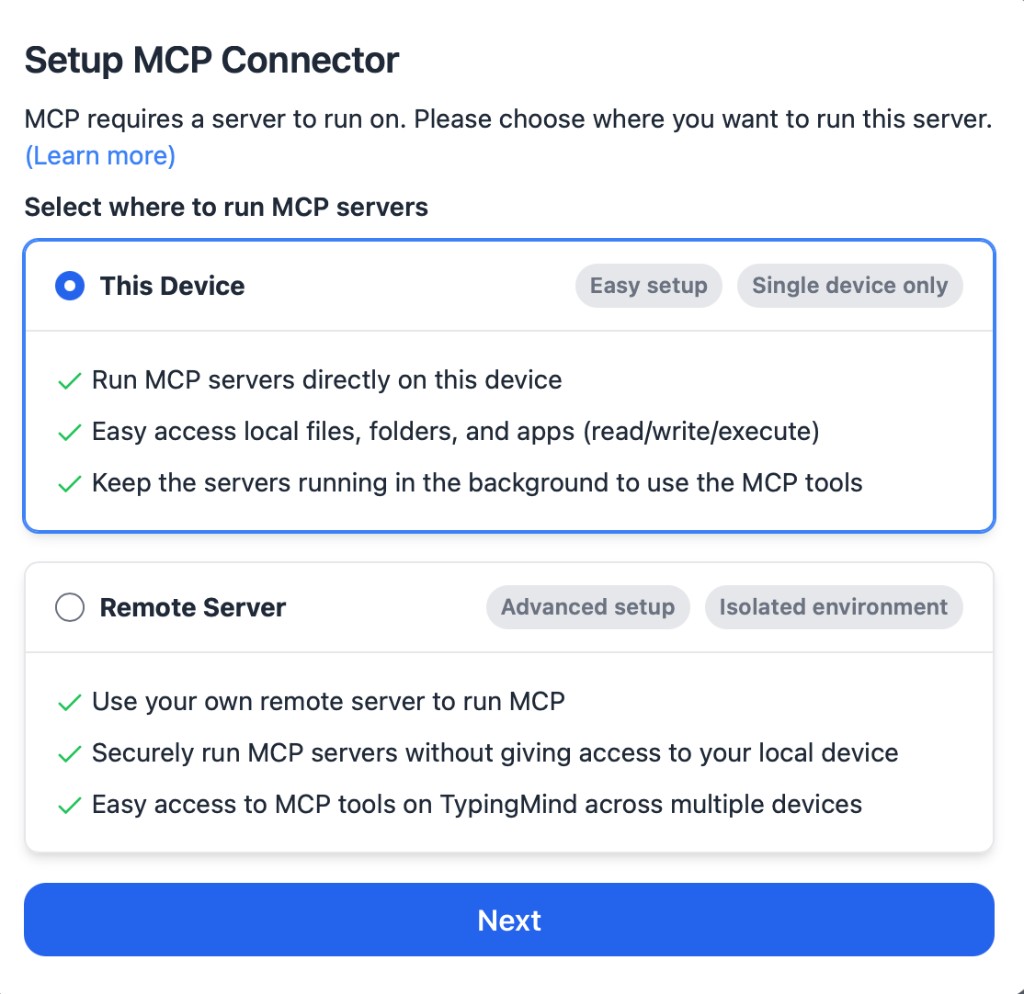
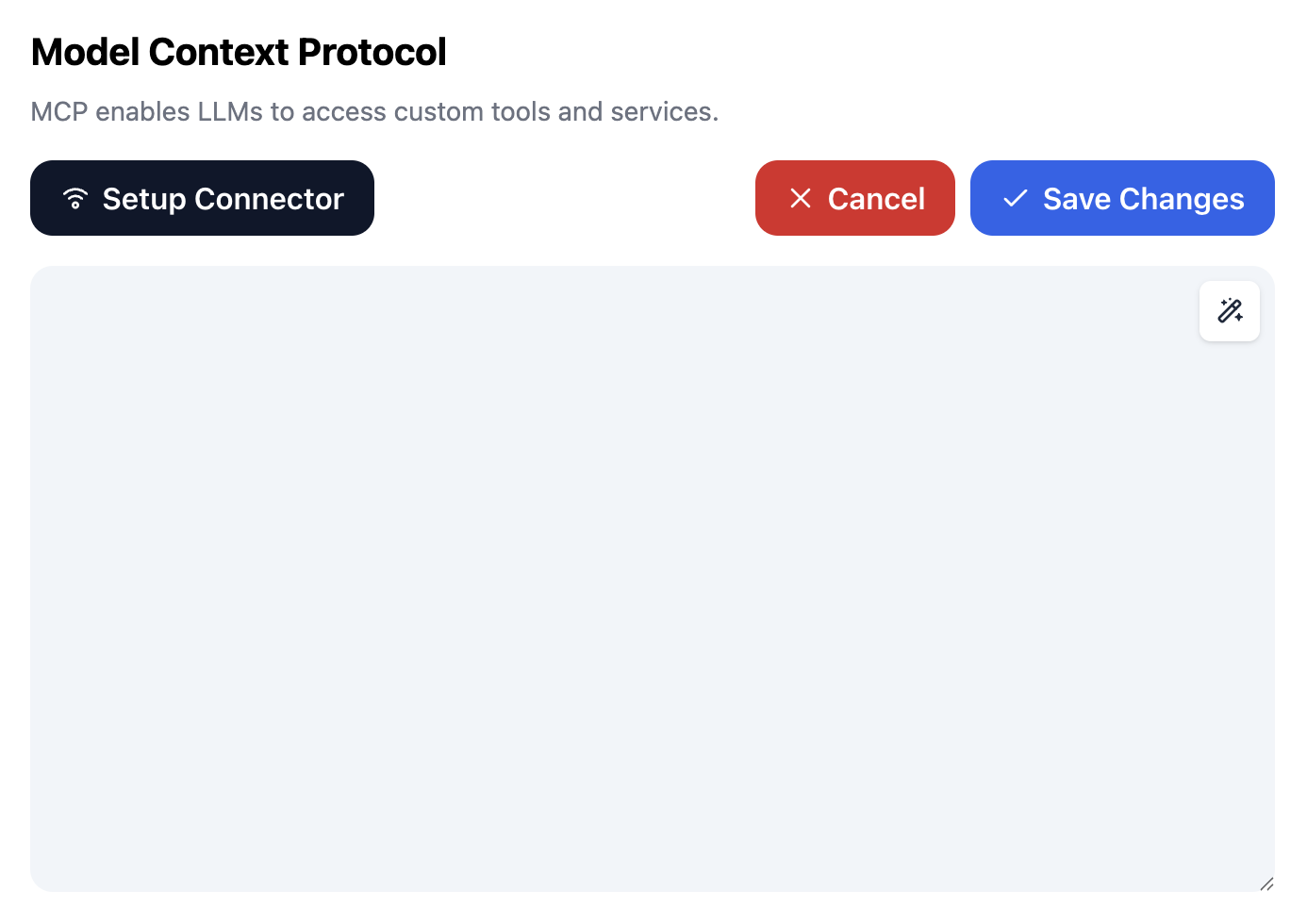
Add to your MCP configuration file:
json{ "mcpServers": { "linkedin": { "command": "uv", "args": [ "--directory", "/path/to/linkedin-mcp-server", "run", "linkedin-mcp-server" ] } } }
MCP Inspector
bashnpx @modelcontextprotocol/inspector
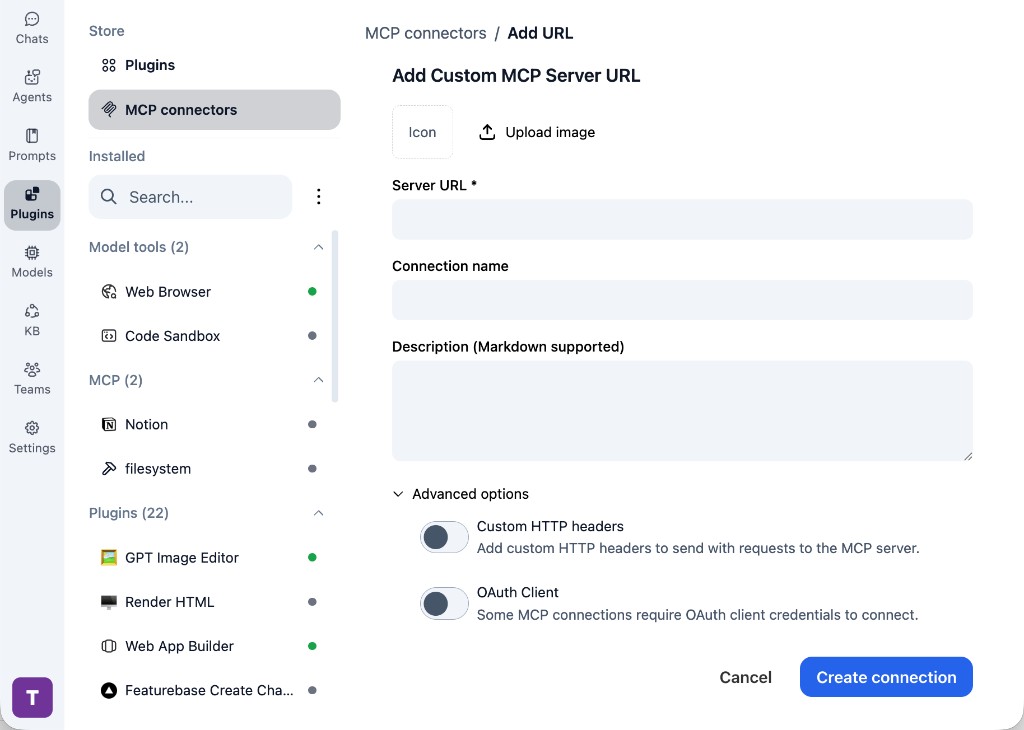
Then connect to http://localhost:8000/mcp if using HTTP transport.
Configuration
Configuration follows a strict precedence chain: CLI args > environment variables > .env file > defaults.
CLI Arguments
| Argument | Description | Default |
|---|---|---|
--transport | stdio or streamable-http | stdio |
--host | Host for HTTP transport | 127.0.0.1 |
--port | Port for HTTP transport | 8000 |
--log-level | DEBUG, INFO, WARNING, ERROR | WARNING |
--headless | Run browser in headless mode | true |
--no-headless | Show browser window (visible mode) | — |
--login | Open browser for LinkedIn login | — |
--logout | Clear stored credentials | — |
--status | Check session status | — |
Environment Variables
Create a .env file in the project root:
env# Server LINKEDIN_TRANSPORT=stdio LINKEDIN_HOST=127.0.0.1 LINKEDIN_PORT=8000 LINKEDIN_LOG_LEVEL=WARNING # Browser LINKEDIN_HEADLESS=true LINKEDIN_SLOW_MO=0 LINKEDIN_TIMEOUT=10000 LINKEDIN_VIEWPORT_WIDTH=1280 LINKEDIN_VIEWPORT_HEIGHT=720 LINKEDIN_CHROME_PATH= LINKEDIN_USER_AGENT= LINKEDIN_USER_DATA_DIR=~/.linkedin-mcp-server/browser-data
Architecture
The project follows a hexagonal (ports and adapters) architecture with strict layer separation:
src/linkedin_mcp_server/ ├── domain/ # Core business logic — zero external dependencies │ ├── models/ # Data models (Person, Company, Job, Search) │ ├── parsers/ # HTML to structured data parsers │ ├── exceptions.py # Domain exceptions │ └── value_objects.py # Immutable configuration and content objects ├── ports/ # Abstract interfaces │ ├── auth.py # Authentication port │ ├── browser.py # Browser automation port │ └── config.py # Configuration port ├── application/ # Use cases — orchestration layer │ ├── scrape_person.py │ ├── scrape_company.py │ ├── scrape_job.py │ ├── search_people.py │ ├── search_jobs.py │ └── manage_session.py ├── adapters/ # Concrete implementations │ ├── driven/ # Infrastructure adapters (browser, auth, config) │ └── driving/ # Interface adapters (CLI, MCP tools, serialization) └── container.py # Dependency injection composition root
Design Decisions
- Ports and adapters — Domain logic is fully decoupled from infrastructure. The browser engine, MCP framework, and configuration source can all be swapped independently.
- Dependency injection — A single
Containerclass acts as the composition root and is the only place that imports concrete adapter classes. - Structured JSON output — LinkedIn HTML is parsed into typed Python dataclasses, then serialized to JSON for reliable LLM consumption.
- Session persistence — Browser state is saved to disk, so authentication is required only once.
Development
Setup
bashuv sync --group dev uv run pre-commit install
Running tests
bashuv run pytest
With coverage:
bashuv run pytest --cov=linkedin_mcp_server
Linting and formatting
This project uses Ruff for both linting and formatting. Pre-commit hooks will run these automatically on each commit.
bash# Lint uv run ruff check . # Lint and auto-fix uv run ruff check . --fix # Format uv run ruff format .
License
This project is licensed under the MIT License. See the LICENSE file for details.
Contributing
Contributions are welcome. Please read the contributing guide for details on the development workflow and submission process.
Disclaimer
This tool is intended for personal and educational use. Scraping LinkedIn may violate their Terms of Service. Use responsibly and at your own risk. The authors are not responsible for any misuse or consequences arising from the use of this software.