Facebook Marketplace MCP Server logo

Facebook Marketplace MCP Server

Community
jdcodes1

MCP server for searching Facebook Marketplace via Chrome session cookies

Publisherjdcodes1
Repositoryfacebook-marketplace-mcp
LanguageTypeScript
Forks
60
Stars
475
Available tools
0
Transport typestdio
Categories
Links
  • Connect tools to AI workflows

    Facebook Marketplace MCP Server exposes MCP capabilities that can be used by compatible AI clients and agents.

  • 0 available tools

    Browse the callable actions below, including names and descriptions when provided by the server.

  • Ready-to-copy setup

    Use the installation snippets to configure this server in your preferred MCP client.

  • Open source signals

    475 stars and 60 forks from the linked repository.

Facebook Marketplace MCP Server

An MCP server that provides access to Facebook Marketplace via direct GraphQL API calls. No browser automation at runtime — speaks Facebook's internal protocol directly.

How It Works

Facebook's web client makes all Marketplace requests as POST /api/graphql/ with a doc_id (query hash) and variables. This server replays those requests using your existing Facebook session cookies from Chrome.

Think of it like pypush for iMessage — direct protocol, no browser.

Prerequisites

  • macOS (cookie extraction uses Keychain)
  • Google Chrome with an active Facebook login
  • Node.js 20+

Installation

bash
git clone <this-repo>
cd facebook-marketplace-mcp
npm install
npm run build

Setup with Claude Code

bash
claude mcp add facebook-marketplace -- node /path/to/facebook-marketplace-mcp/dist/index.js

Or add to your Claude Code config manually:

json
{
  "mcpServers": {
    "facebook-marketplace": {
      "command": "node",
      "args": ["/path/to/facebook-marketplace-mcp/dist/index.js"],
      "env": {
        "CHROME_PROFILE": "Default"
      }
    }
  }
}

Tools

search_listings

Search Marketplace by query, location, and filters.

ParameterTypeRequiredDescription
querystringyesSearch term
latitudenumberyesLatitude of search center
longitudenumberyesLongitude of search center
radius_kmnumbernoSearch radius (default: 50)
min_pricenumbernoMin price in dollars
max_pricenumbernoMax price in dollars
categorystringnoCategory ID
limitnumbernoMax results (default: 20)

get_listing

Get full details for a specific listing.

ParameterTypeRequiredDescription
listing_idstringyesMarketplace listing ID

monitor_search

Save a search as a monitor to track new listings over time.

ParameterTypeRequiredDescription
namestringyesMonitor name
querystringyesSearch term
latitudenumberyesSearch center lat
longitudenumberyesSearch center lng
radius_kmnumbernoRadius (default: 50)
min_pricenumbernoMin price
max_pricenumbernoMax price

check_monitors

Check monitors for new listings since last check.

ParameterTypeRequiredDescription
monitor_namestringnoCheck specific monitor, or omit for all

list_monitors

List all saved monitors.

delete_monitor

Delete a saved monitor.

Configuration

Env VariableDefaultDescription
CHROME_PROFILEDefaultChrome profile directory name

Updating GraphQL Queries

Facebook rotates their doc_id values on deploys. If searches stop working:

bash
npm install -D playwright
npx playwright install chromium
npm run capture-queries

This opens a browser, navigates Marketplace, and captures current query IDs. Update src/facebook/queries.ts with the new values.

Rate Limiting

The server self-rate-limits to 3 requests/minute with random jitter to avoid detection. This means searches take a few seconds.

Limitations

  • macOS only for automatic cookie extraction
  • Requires Chrome with active Facebook session
  • Facebook ToS — automating Facebook violates their Terms of Service
  • Fragile — doc_id values change on Facebook deploys
  • Rate limited — aggressive use may trigger CAPTCHAs or account flags
  • No write operations — search/read only, no messaging or listing creation
Installation

TypingMind
{
  "mcpServers": {
    "facebook-marketplace-mcp": {
      "command": "node",
      "args": [
        "/path/to/facebook-marketplace-mcp/dist/index.js"
      ]
    }
  }
}

Use Facebook Marketplace MCP Server MCP with multiple AI models

TypingMind connects MCP tools at the workspace level, so once Facebook Marketplace MCP Server is connected, you can use it with different AI models in TypingMind instead of setting it up separately for each model. This MCP runs locally through the TypingMind MCP connector on your device.

Setup guide to use the local connector

Use this when the MCP server needs access to local files, apps, or private resources on your computer.

1

Open the MCP settings

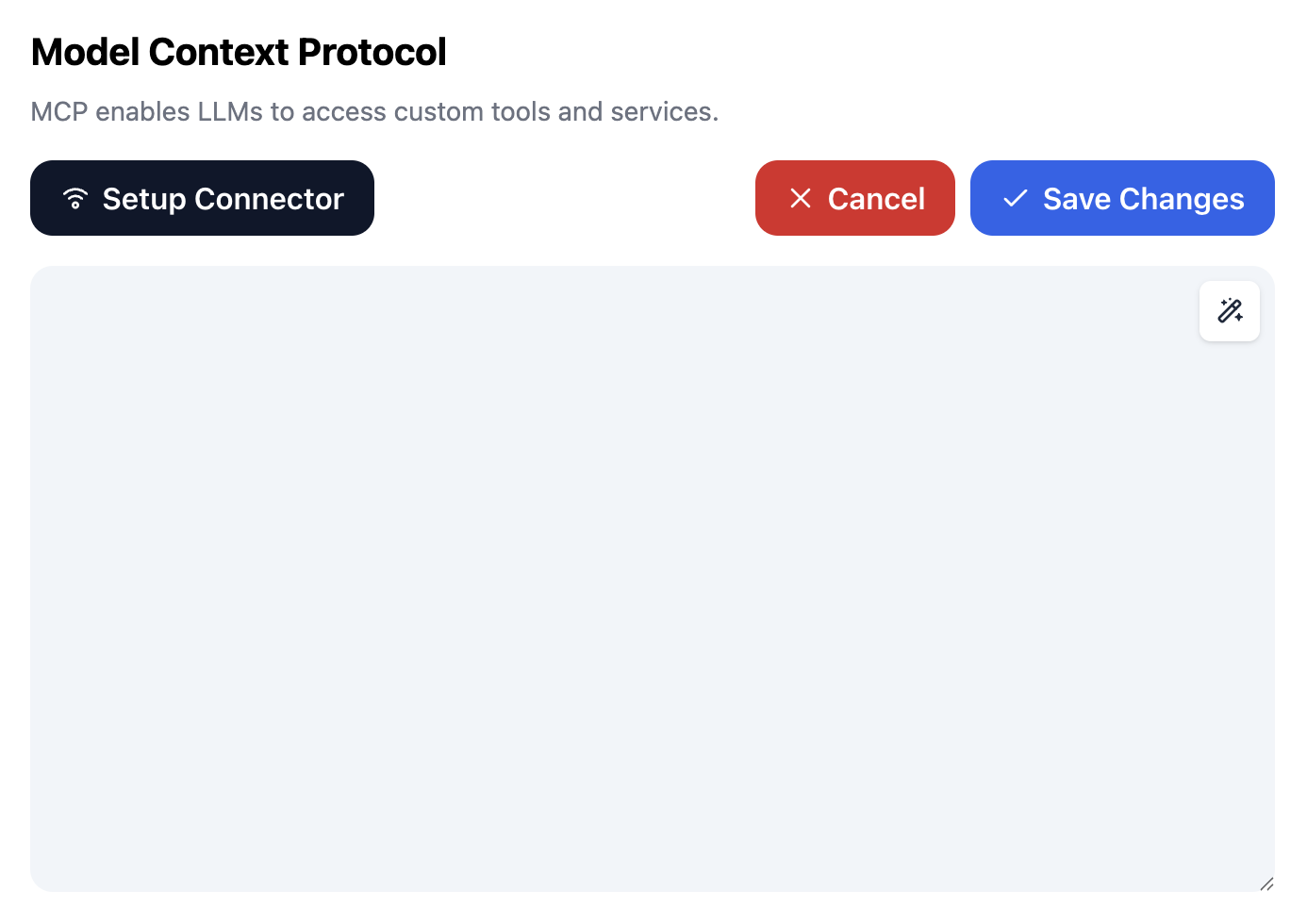
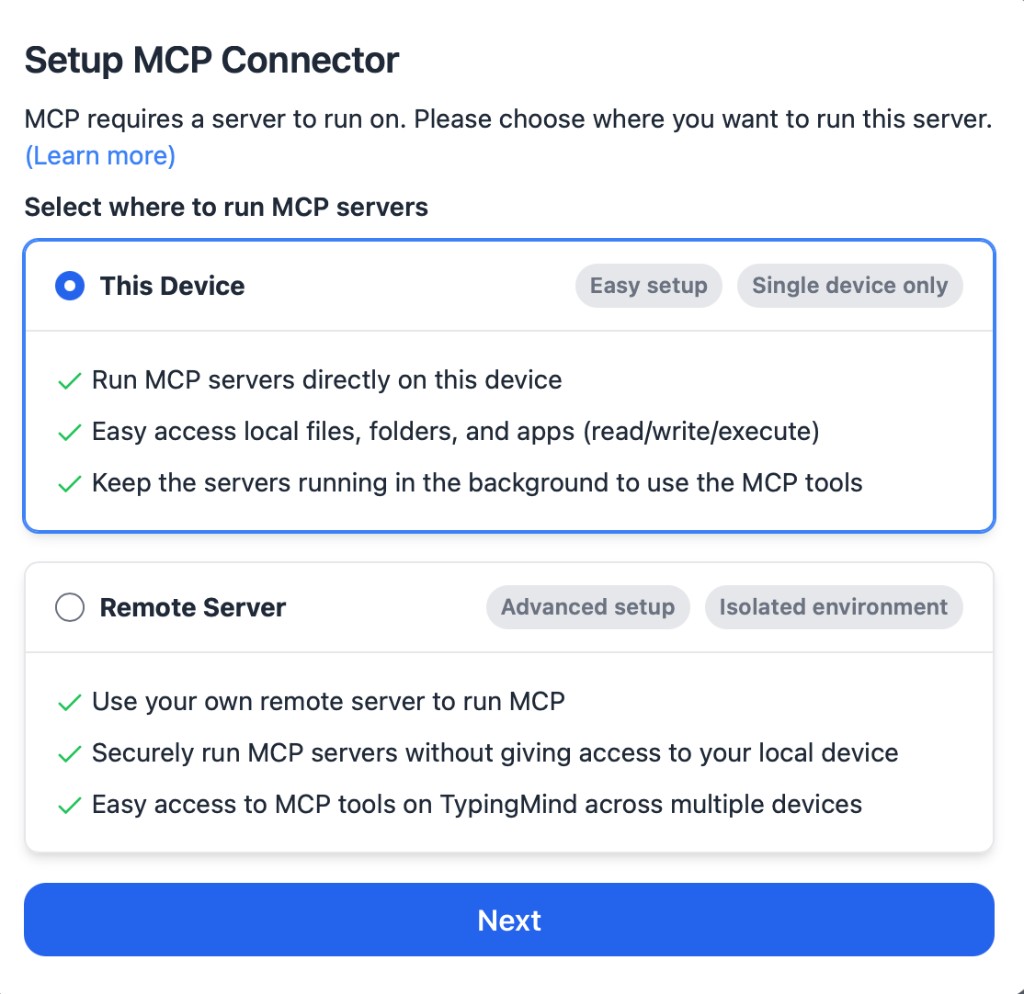
In TypingMind, go to Settings, Advanced Settings, then Model Context Protocol and choose Setup Connector.

  1. Open TypingMind in your browser.
  2. Click the Settings icon.
  3. Go to Advanced Settings.
  4. Open the Model Context Protocol section.
  5. Click Setup Connector and choose This Device.
TypingMind MCP connector setup screen with This Device selected
2

Run the connector command

Choose This Device, copy the command from TypingMind, and run it in Terminal. Keep the process running while you use MCP.

  1. Copy the setup command shown by TypingMind.
  2. Open Terminal on macOS or Windows Terminal on Windows.
  3. Paste and run the command.
  4. Approve the package install if Terminal asks you to proceed.
  5. Keep the Terminal window running while using MCP tools.
3

Add Facebook Marketplace MCP Server as a server

When the connector status is Ready, click Edit Servers and paste the MCP server configuration.

  1. Wait until the connector status shows Ready.
  2. Click Edit Servers.
  3. Paste the Facebook Marketplace MCP Server MCP server configuration.
  4. Save the server list.
  5. Refresh if you want to confirm the connector is still ready.
TypingMind MCP settings showing active server and Edit Servers button
{
  "mcpServers": {
    "facebook-marketplace-mcp": {
      "command": "npx",
      "args": [
        "-y",
        "facebook-marketplace-mcp"
      ]
    }
  }
}
4

Use it across models

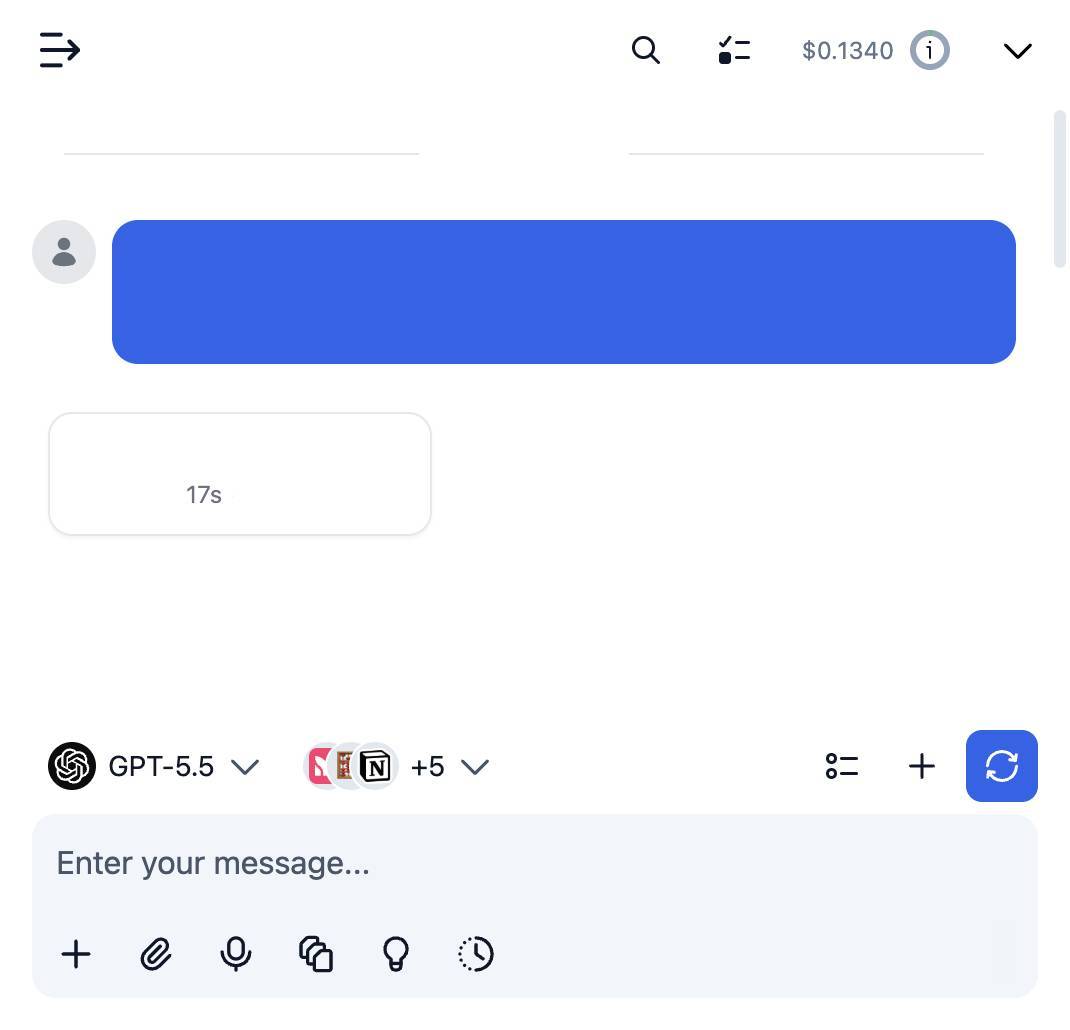
Save the server list, open Plugins, enable the Facebook Marketplace MCP Server MCP tools, then select any supported AI model in TypingMind and use the tools in chat or assign them to an AI agent.

  1. Open the Plugins page in TypingMind.
  2. Enable the Facebook Marketplace MCP Server MCP tools.
  3. Start a chat and choose the AI model you want to use.
  4. Use the MCP tools in chat or assign them to an AI agent.
  5. Switch to another AI model whenever needed without reconnecting MCP.
TypingMind chat using enabled MCP tools with a selected AI model
Can you use Facebook Marketplace MCP Server to help me with this task?
Facebook Marketplace MCP Server
Sure. I read it.
Here is what I found using Facebook Marketplace MCP Server.

Frequently asked questions

What is the Facebook Marketplace MCP Server MCP server used for?

Facebook Marketplace MCP Server is an MCP server that lets compatible AI clients connect to external tools and context. In TypingMind, you can add this MCP server once and make its tools available in your AI workspace.

Can I use Facebook Marketplace MCP Server MCP with multiple AI models in TypingMind?

Yes. TypingMind connects MCP tools at the workspace level, so you can use Facebook Marketplace MCP Server with different AI models such as Claude, ChatGPT, Gemini, or other models you have configured in TypingMind without setting up the MCP server separately for each model.

Why use Facebook Marketplace MCP Server MCP with TypingMind?

TypingMind is one of the best frontends for LLM chat because it brings multiple AI models, prompts, plugins, AI agents, API keys, and MCP tools into one workspace. With Facebook Marketplace MCP Server connected, you can use its MCP tools across your preferred models while keeping your chat workflow organized in TypingMind.

How do I connect Facebook Marketplace MCP Server MCP to TypingMind?

Facebook Marketplace MCP Server runs through the TypingMind local MCP connector. This is best when the MCP server needs access to local files, desktop apps, command-line tools, or private resources on your computer.

What tools does Facebook Marketplace MCP Server MCP provide in TypingMind?

Facebook Marketplace MCP Server exposes MCP capabilities that can be enabled from the TypingMind Plugins page and used in chat or assigned to AI agents.

Do I need to share my API keys with TypingMind to use Facebook Marketplace MCP Server MCP?

No. TypingMind is local-first and lets you keep your model providers, API keys, prompts, and MCP configuration under your control. If Facebook Marketplace MCP Server requires authentication, add the required headers, OAuth settings, or local configuration for that MCP server when you create the connection.

Related MCP Servers

View all

Set up your own AI workspace now

Get notified about new features and future giveaways by subscribing to our newsletter 👇