

/flat-poster — locked flat-color editorial poster style
This style produces vertical brand-marketing posters in a single locked recipe: one saturated flat background, one centered hand-drawn vector subject, a bold short headline pinned to the top-left, and an optional user-supplied wordmark pinned to the bottom-right. The visual frame never moves — only six creative dials swap between pieces.
Think Wisevest "core benefits" card meets early-Mailchimp app illustration: confident vector linework with just enough hand-drawn imperfection to feel warm, on a flat color field that does the emotional heavy lifting.
Prompt interpretation
The user will usually give a short brief — sometimes just a concept ("savings"), sometimes a concept plus a palette ("savings, mint background"), sometimes a full headline ("'Ship faster' on coral"). Your job is to turn that brief into a complete poster spec without pausing for clarification:
- Pick a hero subject from the brief — a single object, character, or scene element that visually carries the concept. One thing, never two.
- Choose a saturated background hex that matches the subject's mood (see palette families below).
- Write or refine the headline — 1–4 words per line, ≤ 3 lines total, deep-navy bold rounded sans-serif. Tight punchy phrasing.
- Use a wordmark only when supplied — place the user's short brand text in the bottom-right (keep ≤ 4 characters; longer names get garbled). Omit the wordmark when the user does not provide one.
- Pick accent marks — 1–3 categories of hand-drawn dust (dashes, dots, sparkles, curly trails, rays, plus signs, etc.) that fit the subject's emotional world.
- Pick a composition preset — where the subject sits on the canvas (centered-hero by default).
Bias toward subjects that are concrete and iconic: things you can name in one word. Avoid abstract diagrams, photographs, multi-character scenes, or text-heavy graphics.
Locked style axes (NEVER vary)
Canvas
- Portrait 2:3, recommended 1024×1536 — vertical poster format
- The flat color fills the entire canvas edge to edge — no border, no frame, no vignette, no horizon
Line quality
- Hand-drawn vector outlines, deep-navy ink (~7px equivalent at 1024-wide canvas)
- Slightly imperfect, organic — tiny gaps where some lines almost meet, never perfectly traced
- Uniform stroke weight on each shape — no calligraphic taper, no pencil scratch
Fill
- Strictly two-tone per shape:
- Pure white as the main fill
- One accent area filled in a slightly darker tint of the background hue
- No third color, no shading, no gradients, no textures, no highlights, no halftone
Headline (top-left)
- Bold rounded heavy sans-serif in deep-navy, set tight, stacked vertically
- Pinned to the top-left corner with comfortable margin from the canvas edge
- Short — typically 2–6 words, broken into 1–3 lines
- Sentence case or all-caps both work; the style prefers sentence case with a strong terminal verb or noun
Wordmark (bottom-right)
- Optional; include only a wordmark supplied by the user
- Same deep-navy sans-serif as the headline, smaller
- Pinned to the bottom-right corner
- Keep supplied text to a short 2–4 character brand acronym
Accent marks
- Floating around the subject, never overlapping its silhouette
- Drawn in the same deep-navy ink at lighter visual weight
- Vocabulary: dashes (motion lines), dots (sparkle / atmosphere), 4-point sparkle stars, curly trails / spirals, light rays, arrows, plus signs, tiny clouds, steam puffs
- 4–10 marks total — sparse but alive
- Pick 1–3 categories per piece; never the full vocabulary at once
What is NOT in the canvas
- No body copy, no caption line, no subtitle, no tagline, no date, no signature, no disclaimer
- No second illustration, no border frame, no patterned background
Variable axes (the six dials)
These are the only things that should change between pieces.
| # | Dial | What it controls | Example values |
|---|---|---|---|
| 1 | Palette | The single saturated hex filling the canvas + its darker tint accent | warm-bright coral #F4A07A · sunny yellow #F4D35E · warm-soft dusty rose #E8A8B8 · terracotta #D08770 · cool-bright sky blue #7FB8E3 · electric mint #9FE0B5 · cool-soft soft lavender #C5B8E0 · soft sage #A8C8A1 · punchy magenta #D8508A · ultramarine #5A6BD8 · warm mustard #E5B341 |
| 2 | Subject archetype | The hero illustration sitting on the canvas | tool/object · vehicle/motion · nature/organic · symbol/diagram · character · scene |
| 3 | Composition | Where the subject sits on the canvas | centered-hero · off-axis-diagonal · grounded-baseline · layered-scene · close-up-crop · floating-cluster |
| 4 | Accent marks | 1–3 categories of hand-drawn dust | dashes · dots · sparkle stars · curly trails · rays · arrows · plus signs · steam puffs |
| 5 | Headline voice | The phrasing register of the top-left text | imperative verb · aspirational · declarative noun · three-beat list · question · whisper |
| 6 | Mood | The emotional register woven into subject + palette choice | playful · bold · calm · epic · curious · steady |
Palette families (full reference)
- Warm-bright — coral, peach, sunny yellow, butter, terracotta
- Warm-soft — dusty rose, blush, sand, mustard
- Cool-bright — sky blue, electric mint, periwinkle, teal
- Cool-soft — soft lavender, sage, fog, pistachio
- Punchy — magenta, vermilion, lime, ultramarine
Subject archetypes (with examples)
- Tool / Object — piggy bank, briefcase, key, magnifier, telescope, hourglass, ladder, cup, scissors
- Vehicle / Motion — rocket, paper airplane, hot-air balloon, sailboat, train, bicycle
- Nature / Organic — sprouting plant, mountain, tree, cloud + sun, wave, flower
- Symbol / Diagram — bar chart, arrow loop, target, shield, trophy, gear, checkmark, lightbulb
- Character — robot, animal mascot, anthropomorphic blob, hand
- Scene — interior (desk + lamp + plant), landscape, miniature world
Composition presets
- centered-hero — single subject mid-canvas, generous whitespace (default)
- off-axis-diagonal — subject angled diagonally, suggesting motion
- grounded-baseline — subject sits on implied floor near lower-third
- layered-scene — foreground prop + main subject + background accent
- close-up-crop — subject fills ~70 % of canvas, more graphic
- floating-cluster — two or three small related objects in loose orbit
Headline voice presets
- Imperative verb — "Ship faster", "Save smart", "Look closer", "Move quietly"
- Aspirational — "Reach higher", "Start your future", "Build what's next"
- Declarative noun — "Your AI teammate", "The new workday", "Less inbox"
- Three-beat list — "Co-own. Invest. Succeed.", "Plan. Ship. Repeat."
- Question — "Why wait?", "What's next?"
- Whisper — "Quietly capable", "Always on" — short, low-key, subtitle feel
Mood ↔ palette pairing hints
- Playful / friendly → coral, sunny yellow, mint
- Bold / energetic → coral, magenta, electric blue
- Calm / cozy → sage, lavender, sand
- Epic / aspirational → dusty rose, periwinkle, navy-soft
- Curious / discovery → mustard, teal, terracotta
- Steady / trustworthy → sage, navy, slate
Brief template
When generating, expand the user's input into this internal brief before describing the image:
Palette: <single saturated hex, friendly name> Subject: <one specific object/character with pose and detail> Composition: <one of the six presets> Accents: <1–3 accent categories> Headline: <short phrase, 1–3 lines, deep-navy bold sans-serif, top-left> Wordmark: <user-supplied 2–4 char brand, deep-navy bold sans-serif, bottom-right; omit if none> Mood: <one short phrase>
Generation guidance
Models with strong typography and clean flat-vector handling (e.g. gpt-image-2) produce the most reliable output here. When briefing the model:
- State explicitly that the canvas is portrait 2:3, with the flat color filling edge to edge.
- State explicitly that the only text on the canvas is the top-left headline plus the user-supplied bottom-right wordmark when present — no captions, no body copy, no subtitle.
- State explicitly that the fill is two-tone: pure white + one darker tint of the background.
- State explicitly the stroke style (deep-navy, ~7px, hand-drawn with tiny gaps).
- Name the accent vocabulary explicitly — models otherwise default to generic stars / sparkles everywhere.
- When a wordmark is supplied, keep it short (2–4 chars). Longer brand names get garbled regardless of model.
If the model adds extra body text, regenerate or reduce the subject brief to make room.
Worked examples
Seven reference pieces below — each holds the locked frame and varies the six dials. The first four are the VM0 launch set; the last three demonstrate the calm / curious / steady mood quadrants.
Example 1 — rocket · coral · "Ship faster" (bold + off-axis)
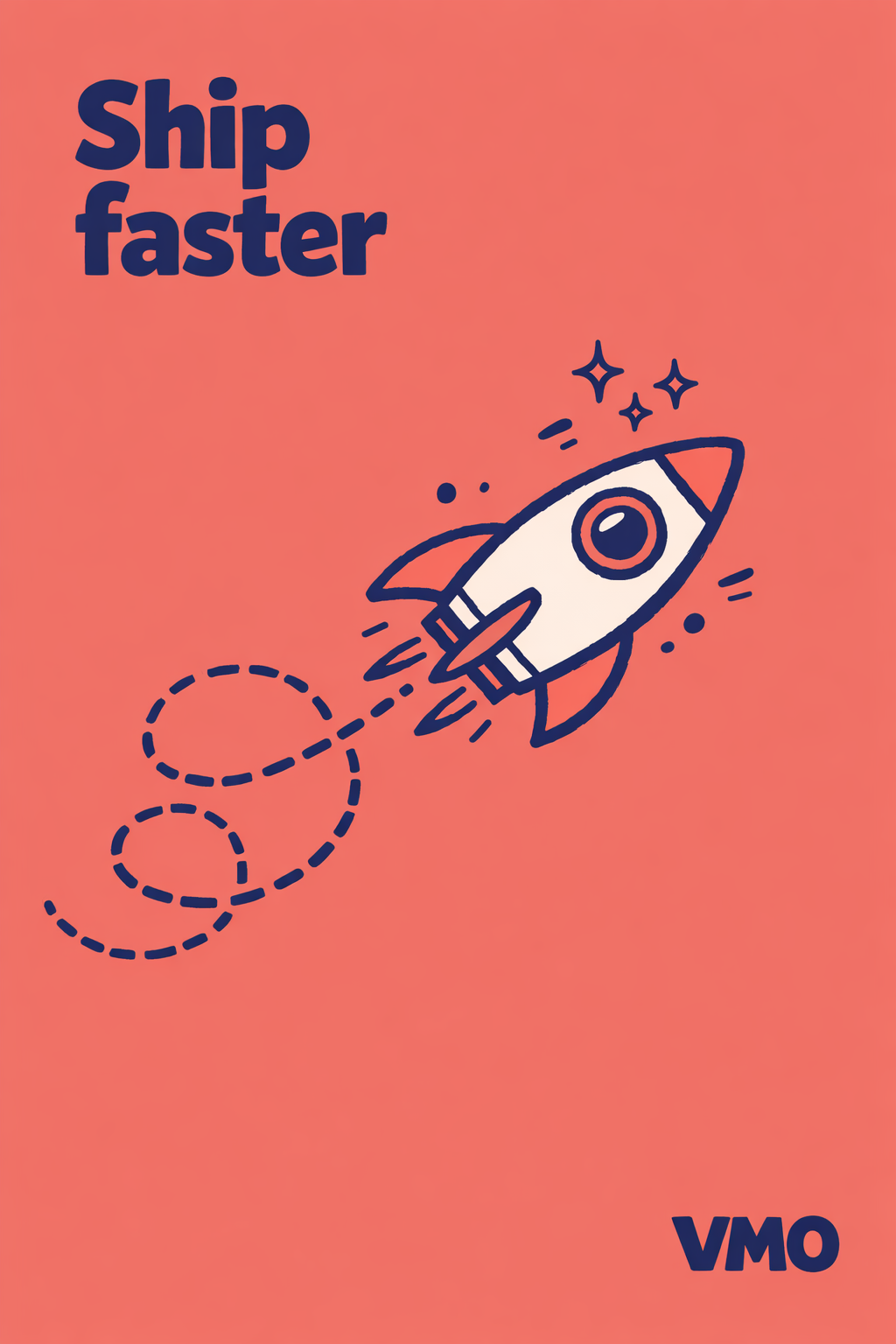
- Palette: warm-bright coral
#F4A07A - Subject: cartoon rocket ship pointed diagonally up-right
- Composition: off-axis-diagonal
- Accents: curly dashed motion trail + sparkle stars
- Headline: "Ship faster" (imperative)
- Mood: bold / energetic
Example 2 — lightbulb · sky blue · "Think bigger" (curious + centered)
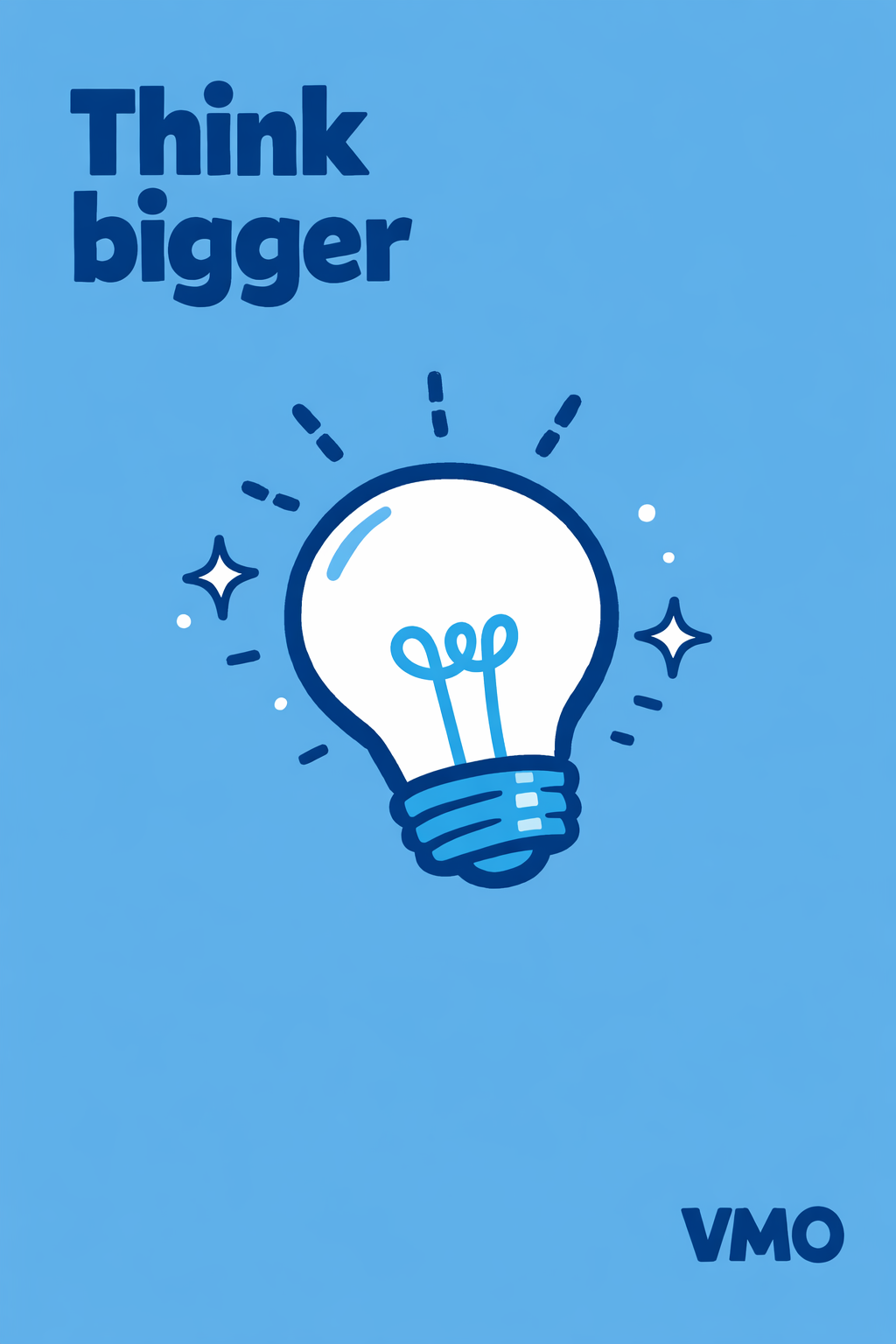
- Palette: cool-bright sky blue
#7FB8E3 - Subject: lightbulb tilted slightly, filament loop visible
- Composition: centered-hero
- Accents: dashed light rays + 4-point sparkle stars + scattered dots
- Headline: "Think bigger" (imperative)
- Mood: curious / discovery
Example 3 — mountain · dusty rose · "Reach higher" (epic + grounded)
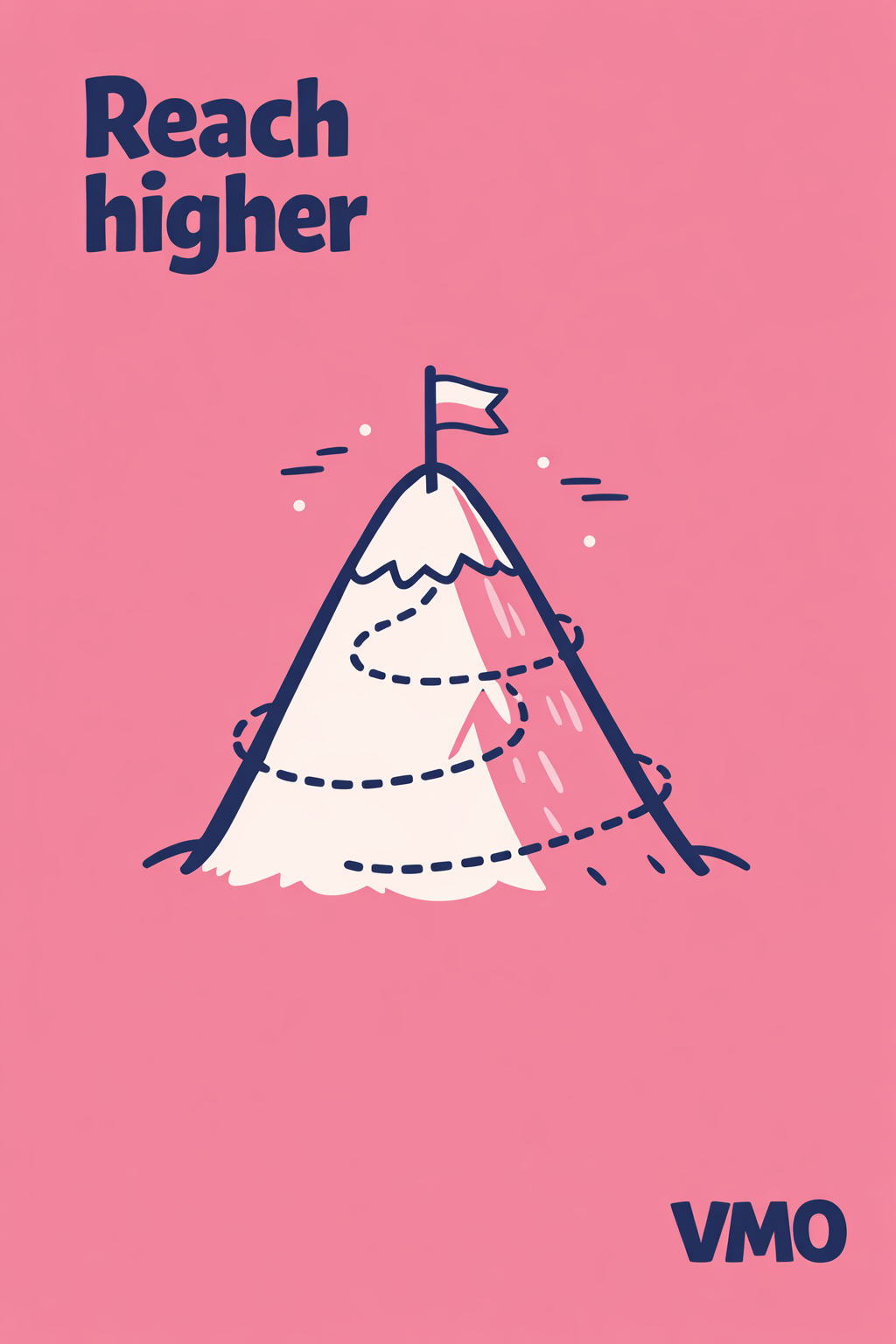
- Palette: warm-soft dusty rose
#E8A8B8 - Subject: mountain peak with a small triangular summit flag
- Composition: grounded-baseline
- Accents: spiral dashed trail + scattered dots
- Headline: "Reach higher" (aspirational)
- Mood: epic / aspirational
Example 4 — robot · sunny yellow · "Meet your AI teammate" (playful + grounded)
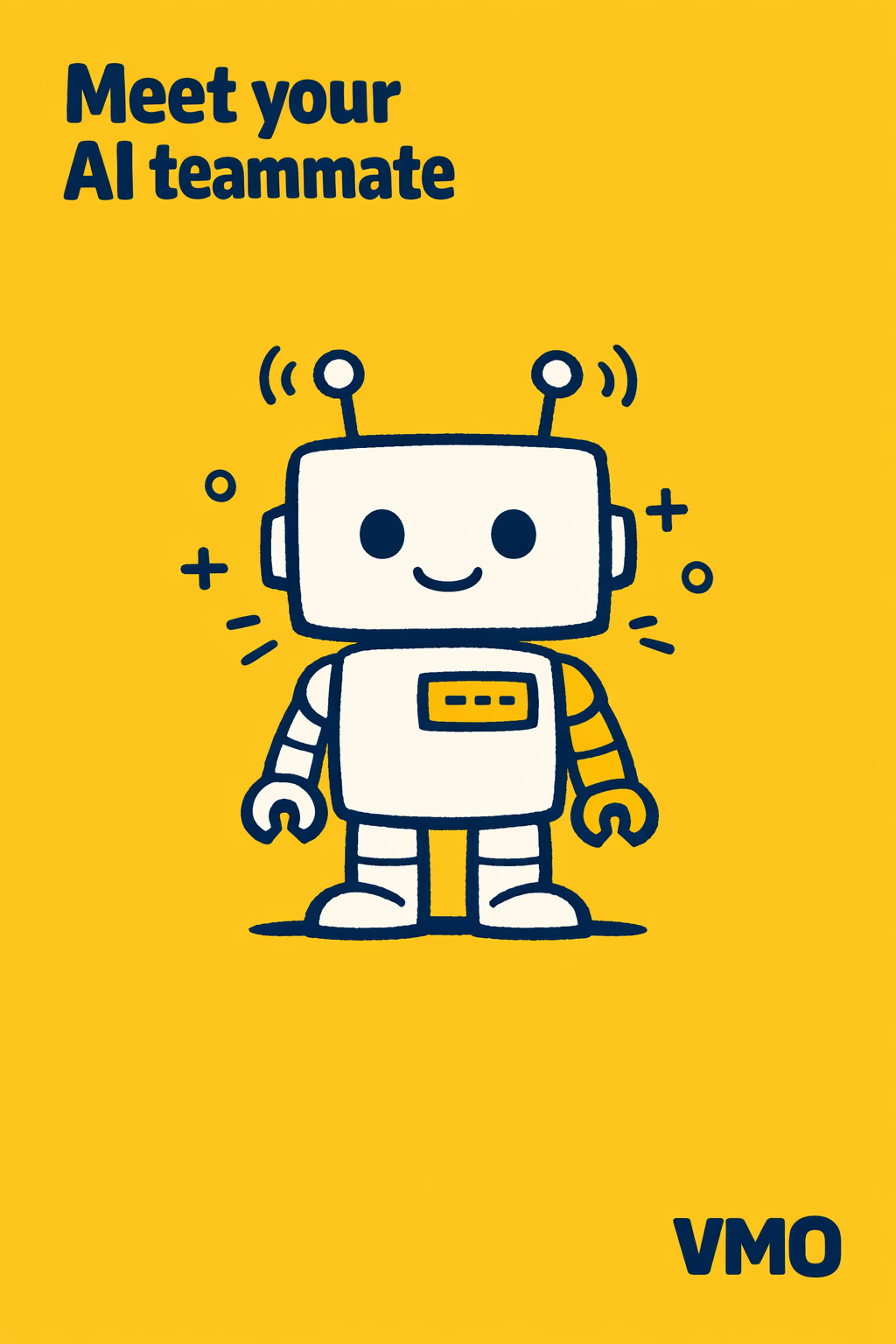
- Palette: warm-bright sunny yellow
#F4D35E - Subject: friendly cartoon robot with antennae, square head, simple eyes
- Composition: grounded-baseline
- Accents: plus signs + dashes near the antennae + scattered dots
- Headline: "Meet your AI teammate" (declarative noun)
- Mood: playful / friendly
Example 5 — tea cup · soft lavender · "Take a beat" (calm + centered)
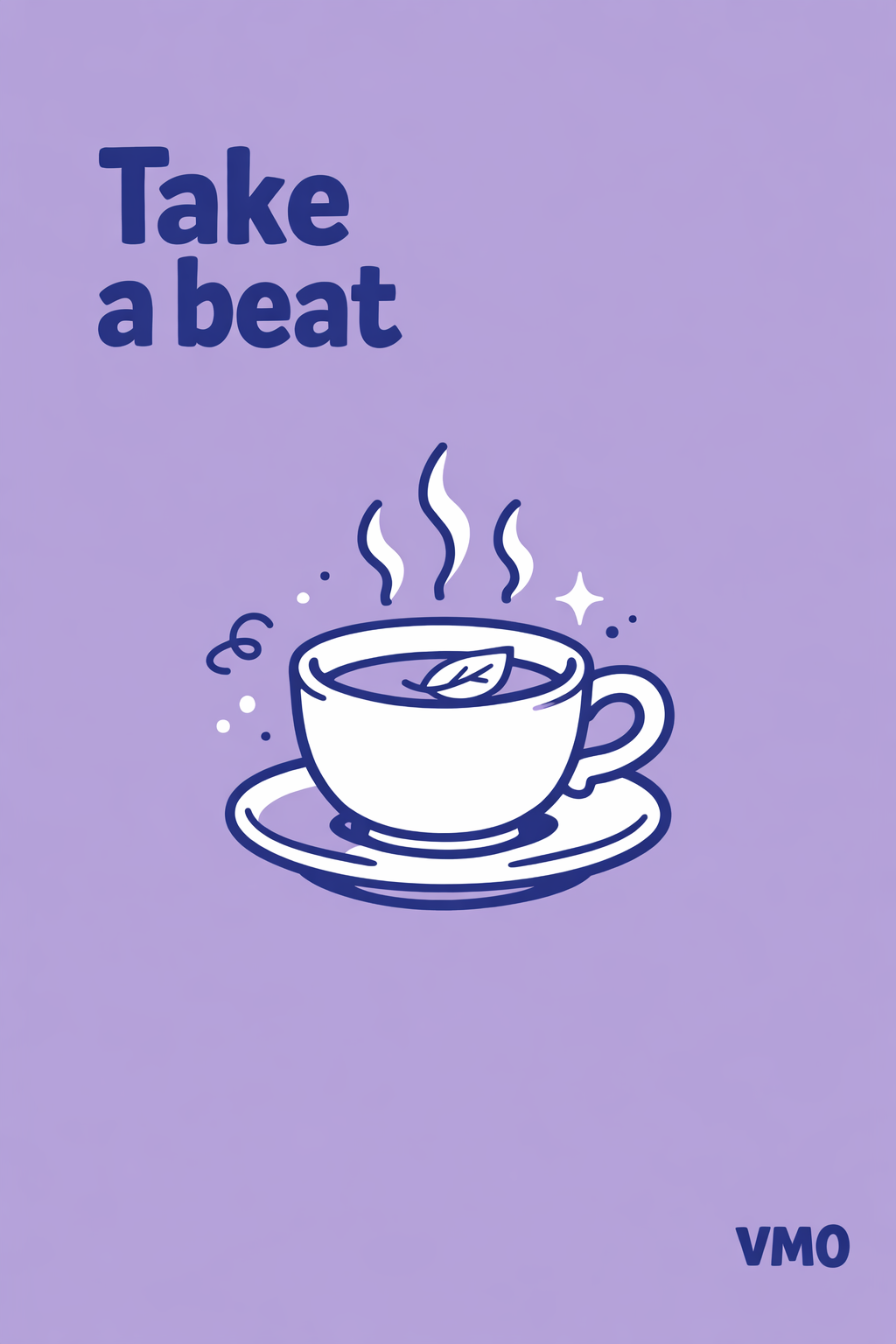
- Palette: cool-soft soft lavender
#C5B8E0 - Subject: ceramic tea cup with saucer and three curly steam wisps rising
- Composition: centered-hero
- Accents: curly steam wisps + scattered dots + tiny sparkle near rim
- Headline: "Take a beat" (imperative, gentle)
- Mood: calm / cozy
Example 6 — magnifier · warm mustard · "Look closer" (curious + close-up)

- Palette: warm-soft mustard
#E5B341 - Subject: large magnifying glass tilted 30°, lens framing a tiny question-mark
- Composition: close-up-crop
- Accents: short dashed rays from the lens + dots + one sparkle on the rim
- Headline: "Look closer" (imperative)
- Mood: curious / discovery
Example 7 — shield · soft sage · "Always on" (steady + centered)
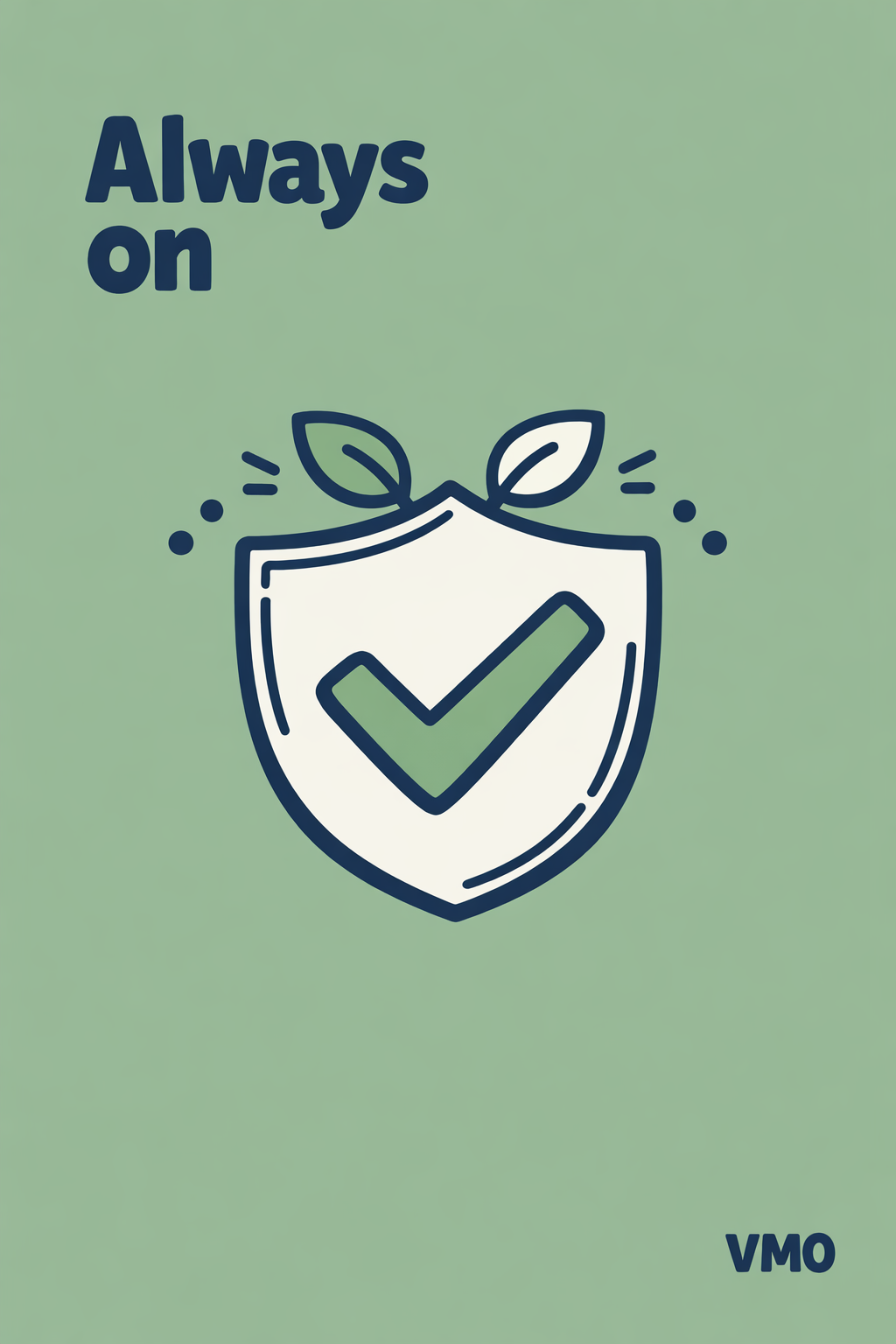
- Palette: cool-soft soft sage
#A8C8A1 - Subject: heraldic shield with a bold center checkmark, two leaves sprouting from the top
- Composition: centered-hero
- Accents: small dot halo + short dashes near the leaves
- Headline: "Always on" (whisper / declarative)
- Mood: steady / trustworthy
Iteration tips
- Headline overflows or wraps awkwardly — shorten to ≤ 2 words per line, ≤ 3 lines total.
- Wordmark misspelled — keep to 2–4 characters; longer names garble across all current models.
- Outline too thin or papery — emphasize "very thick deep-navy outlines, no fine interior detail" in the subject brief.
- Background not saturated enough — bump the hex one step deeper (e.g.
#A5A8E0→#8A8FE0). - Model adds an unwanted body caption — restate the no-extra-text constraint and regenerate; usually clears on retry.
- Accent marks crowd the subject — drop to a single accent category; the style breathes better at lower density.
- Two-tone fill drifts into multiple tints — restate "strictly two-tone: pure white + one darker bg-tint, no third color".


